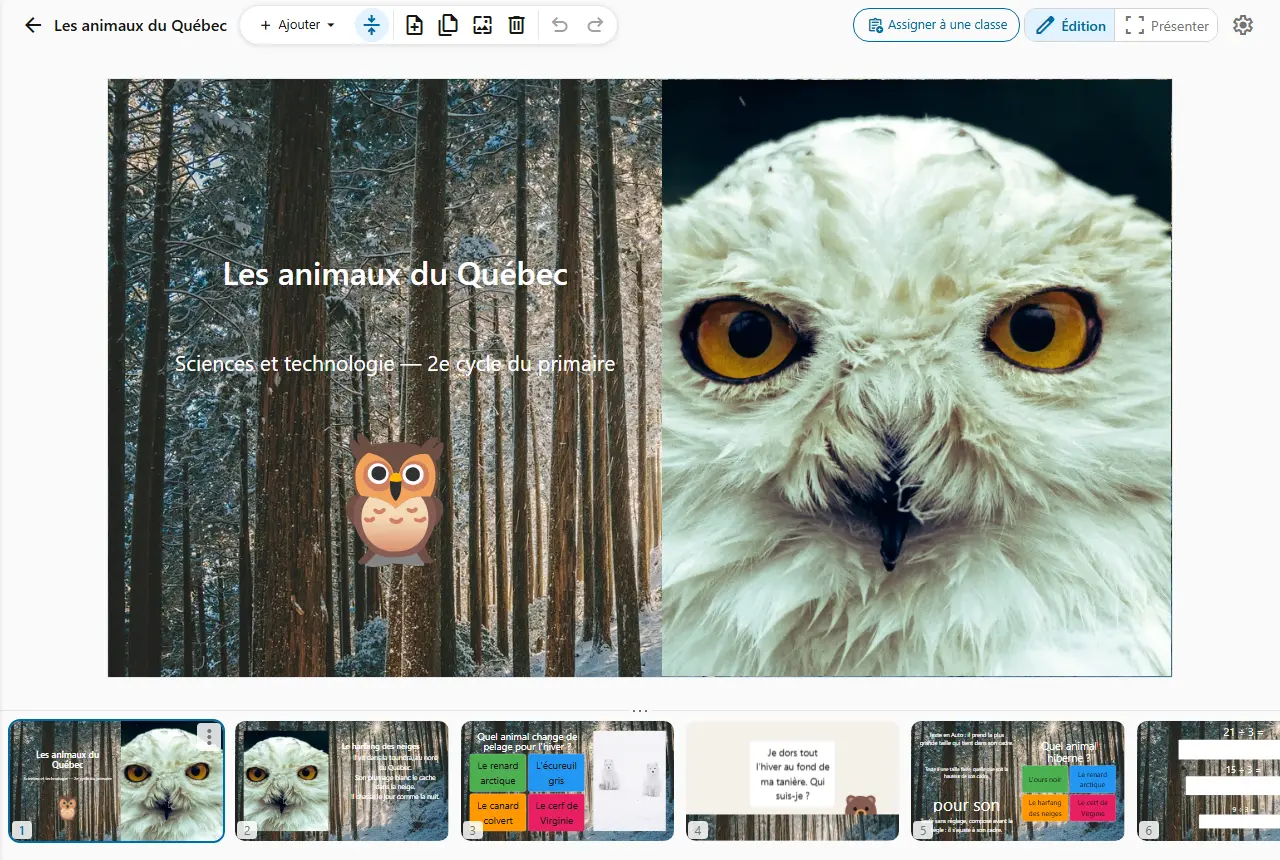
The lesson's questionnaire
After the lesson on habitats, you assign the questionnaire as homework, due Friday.
In one view, you see who has started, who has handed in and who is late.
Assign a document to your class as homework, see who has handed in and grade student by student. Multiple-choice questions are graded on submission.
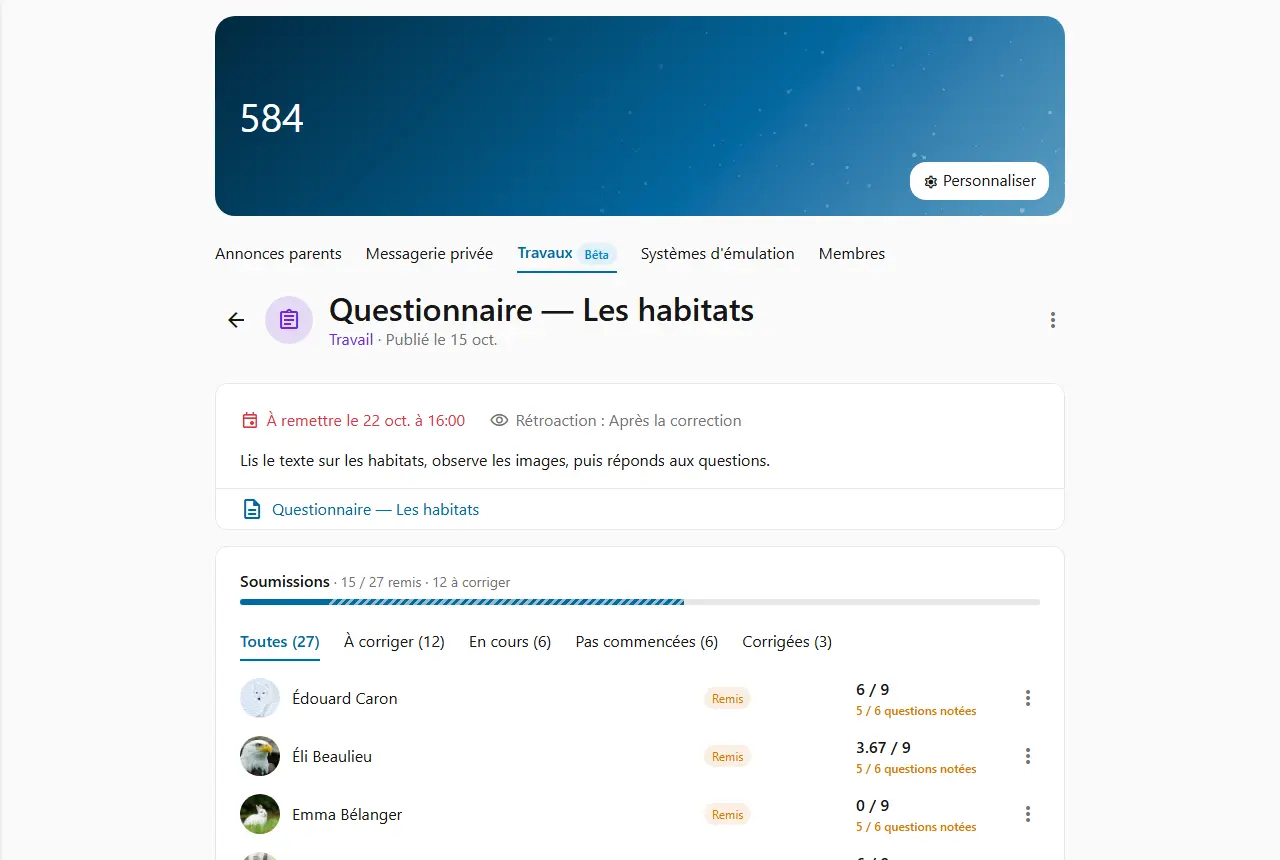
Pick the document from your materials, write the instructions and set a due date if you like. You can also assign it straight from the document, without going through the class first.
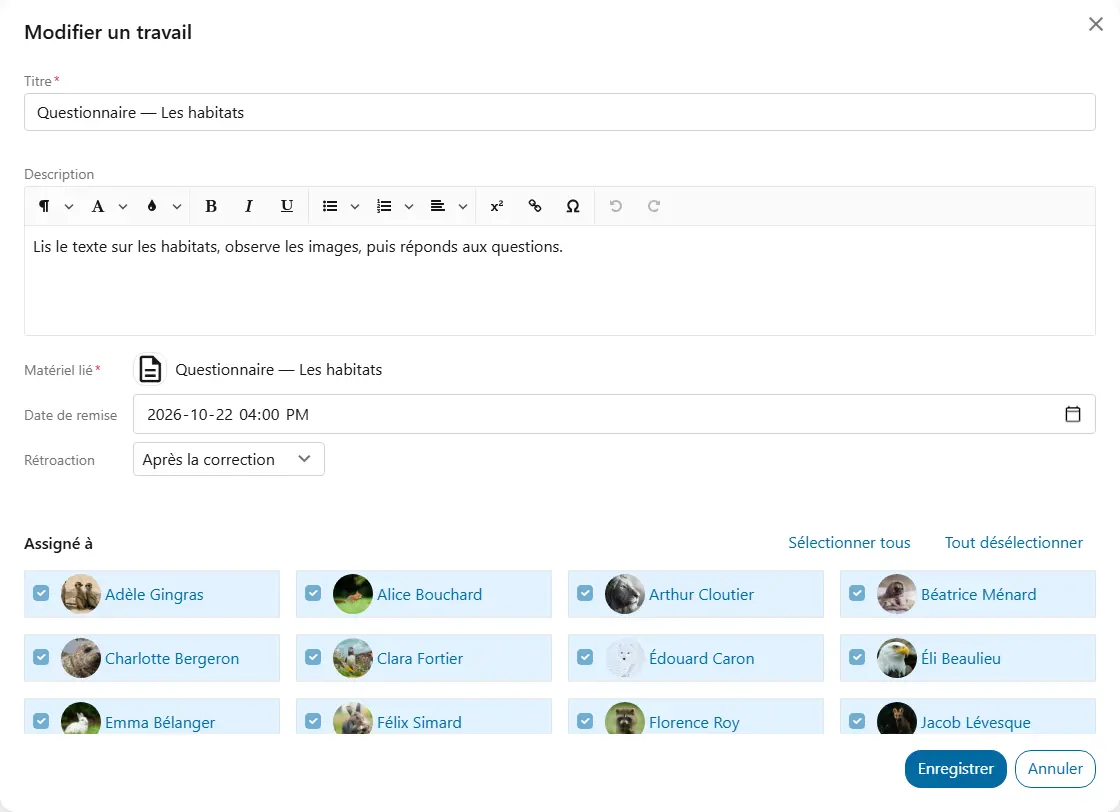
In the class's Assignments section, each assignment shows its due date and progress without you having to open it.
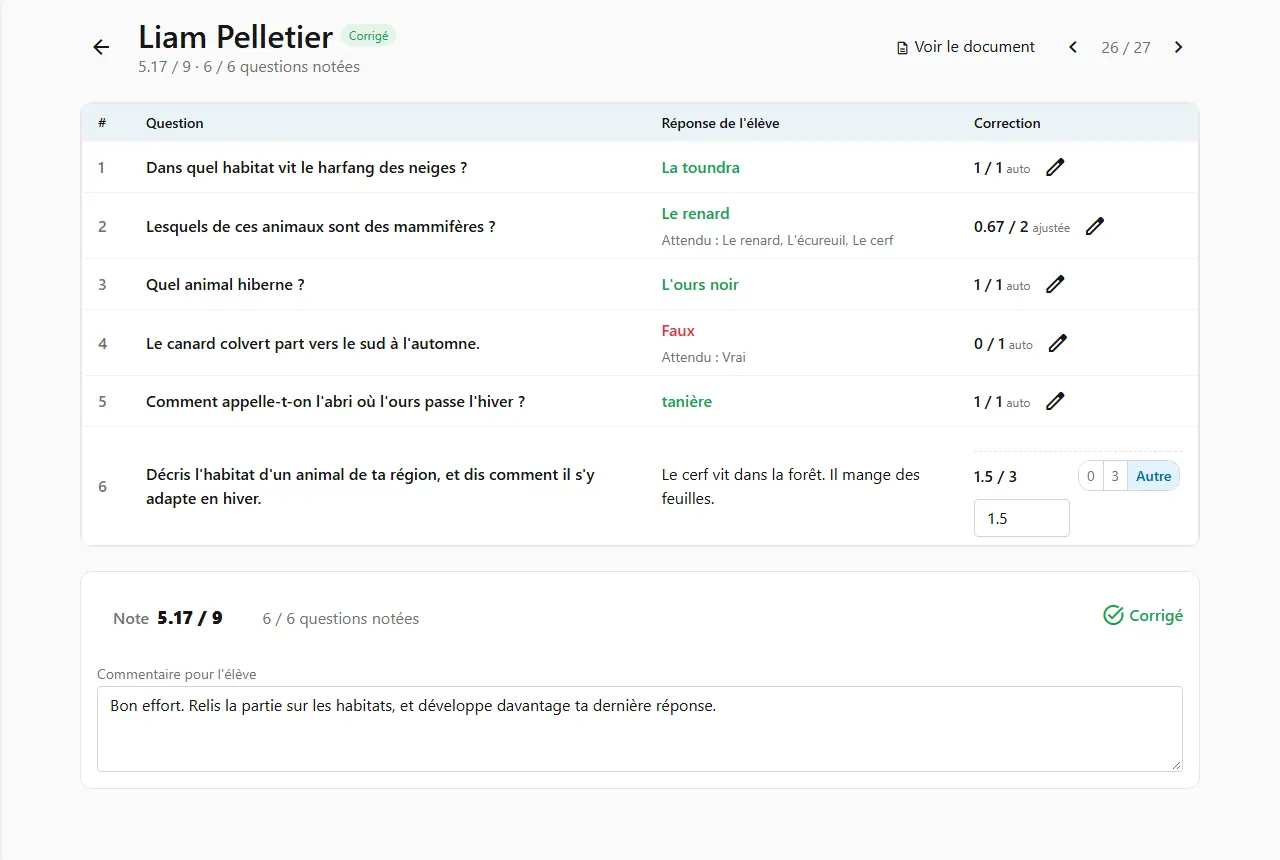
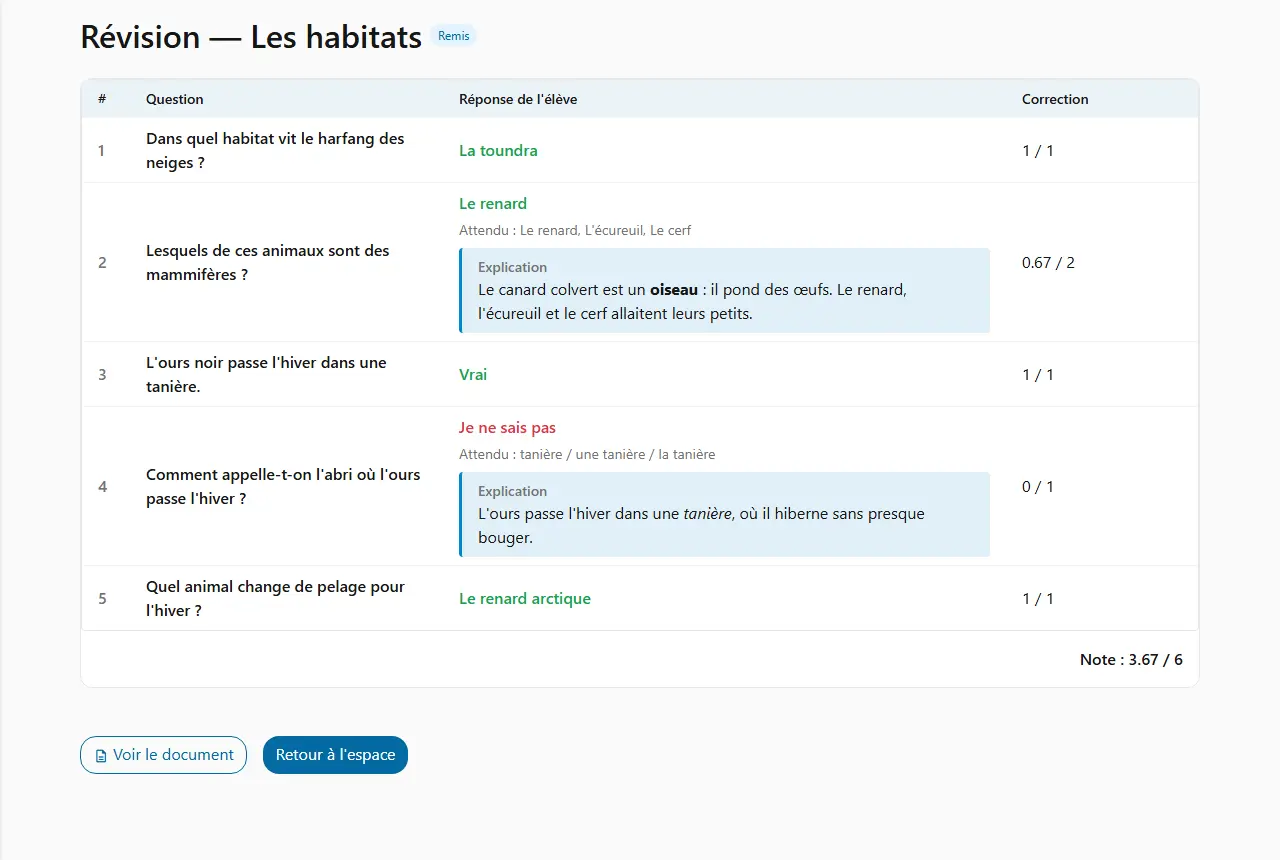
Open a student's submission: all their questions are there at once, in document order, with their answer and the validated answer.
For each assignment, set when the student discovers their results. You can change your mind at any time: the new setting applies immediately.
How teachers use it on an ordinary school day.
After the lesson on habitats, you assign the questionnaire as homework, due Friday.
In one view, you see who has started, who has handed in and who is late.
Before the exam, you assign a review made of multiple-choice and short-answer questions, in self-grading.
Your students see their mistakes and the explanation as soon as they grade, without waiting for you.
You assign a reading followed by multiple-choice questions and one open-ended question.
The multiple-choice questions are scored on submission: you only read the open answer, then publish the grading with a note.
A student hands you their work on paper. You mark it as handed in for them.
Questions left unanswered in Cooperius stay unscored for you to judge: nothing is zero by default.
Each student only sees the assignments meant for them, in their class's Assignments section.