
forum

Communication with families

Announce a field trip, share the week's photos, answer a parent: class and home stay connected, in one place.
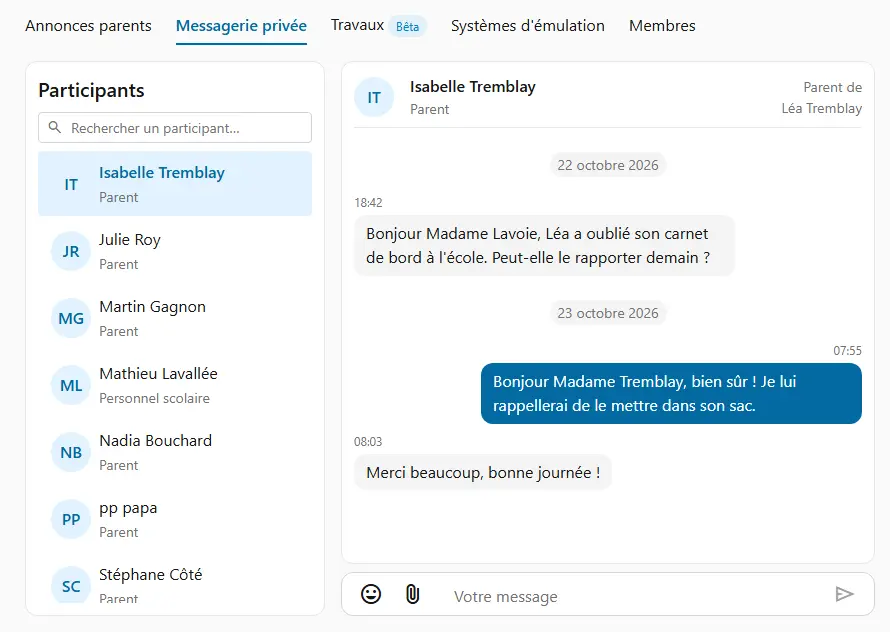
On your side: you post an announcement

A field trip, a reminder, photos of a project: parents find your announcement right away in their space.
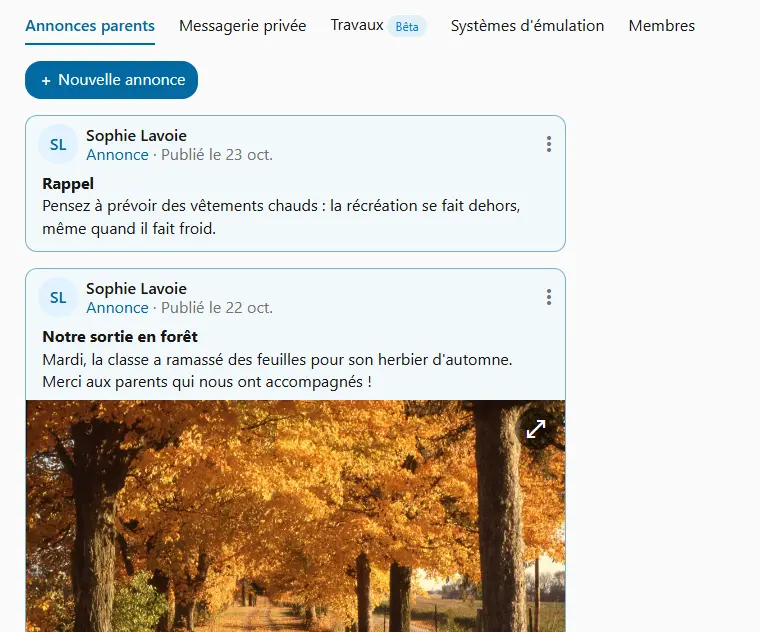
  • Attachments: images, videos or PDFs, like a field trip form.
  • Together: each of the class's teachers posts, edits or removes an announcement.
  • Useful links: a document or a website, one click away for parents.

On the parents' side: they stay informed

The parent finds their child's class, reads your announcements when it suits them, and gets involved: a signed form, a chaperone offer, a word of encouragement.
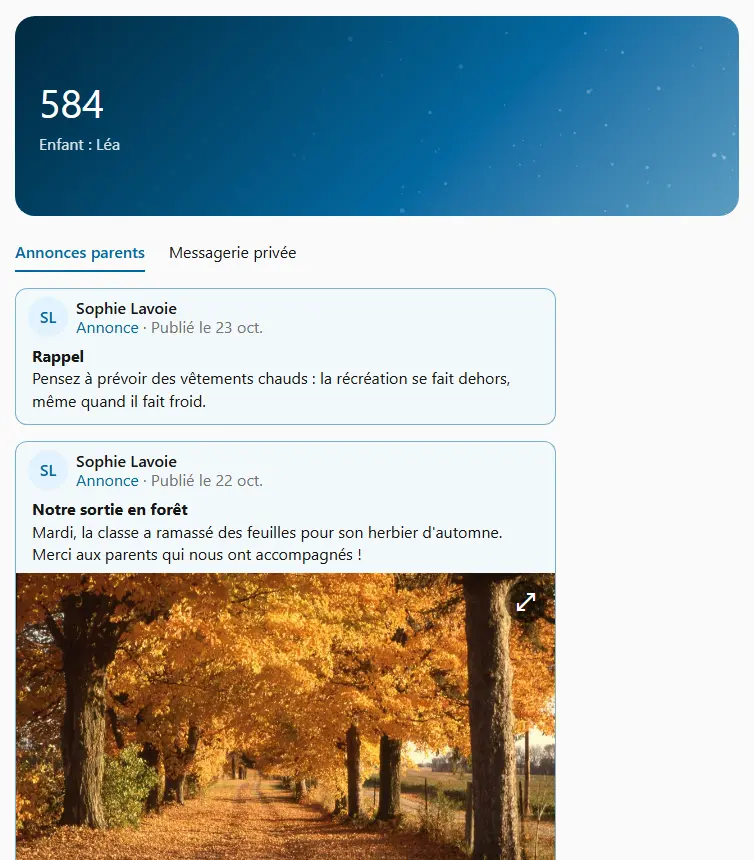
  • Several children: each class shows the first name of the child it concerns.
  • Only what concerns them: neither the class's assignments nor the other students.
  • Read or not: a new announcement is flagged until they open it.

A private conversation with each parent

A dentist appointment, good news, a question: the parent and you write to each other directly.
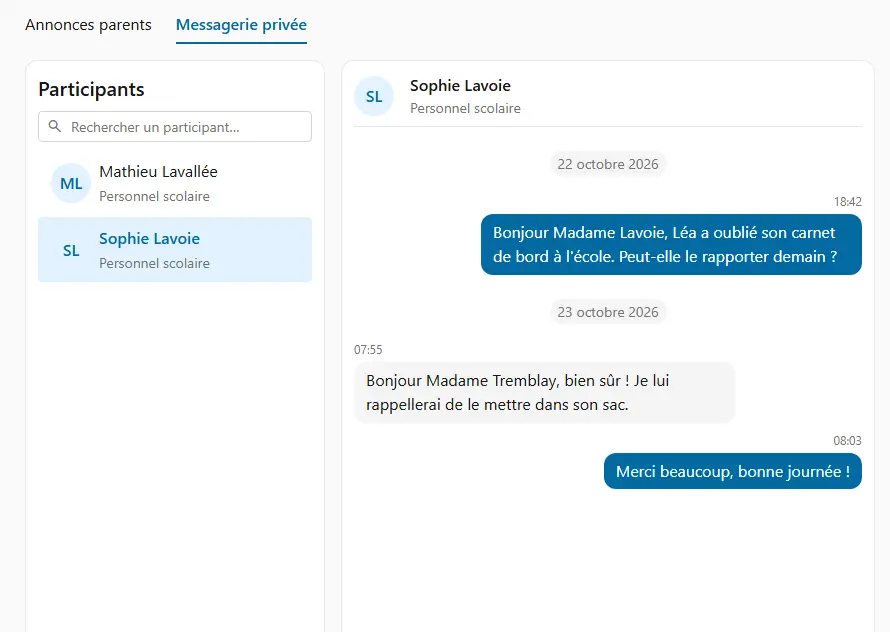
  • Each parent their own: a child's two parents each have their own conversation with you, even when separated.
  • Confidential: no one else reads it, not even a colleague in the class.
  • Both ways: the parent can write first, too.
  • Between colleagues too: teachers of the same class write to each other the same way.

An email notification when a message is waiting

Neither you nor the parent need to watch the platform: an unread message is flagged by email, both ways. An unread announcement is too.

  • A message: its recipient, parent or teacher, gets a notification after about fifteen minutes if they haven't read it.
  • An announcement: the parent gets a notification after an hour, if they haven't seen it yet.
  • Discreet: the email only says a message or an announcement is waiting, without showing its text.
  • Your choice: anyone can turn these emails off in their profile.

Protected exchanges

Your class's messages and announcements concern children: they are protected at every step, from the parent's sign-in to data storage.

  • The right parent, the right class: a parent only accesses their own child's classes, on the teacher's invitation.
  • Secure sign-in: authentication is handled by a Microsoft identity service; the password never goes through Cooperius.
  • Hosted in Canada, encrypted: messages and their attachments are hosted in Canada and encrypted, in transit and at rest.
  • Québec Law 25 compliant: the details are on the Security and data page.

Use cases

How teachers use it on an ordinary school day.

The museum trip

You announce the trip with its PDF form, and ask for two parent chaperones.

Families know the same day, and volunteers answer you privately.

The week's photos

You share a few photos of the current project, with a word on what the class learned.

At home, families talk about what happens in class.

Leaving early

A parent writes that their child has an appointment Thursday afternoon.

You know ahead of time: no surprise when they leave the class.

Good news

After a great presentation, you write a few words to the student's parent.

The student is congratulated twice: in class, and at home.
Frequently asked questions

Ready to try Cooperius?

Sign up free