
widgets
Widgets
Cooperius gives you 30 widgets for your interactive boards. Each has its own page, with its settings and ideas for using it.
Content
What the class looks at: text, pictures, videos, websites and animations.
 format_color_fillBackgroundA colour or a photo for every screen, and animations that play softly behind your widgets.
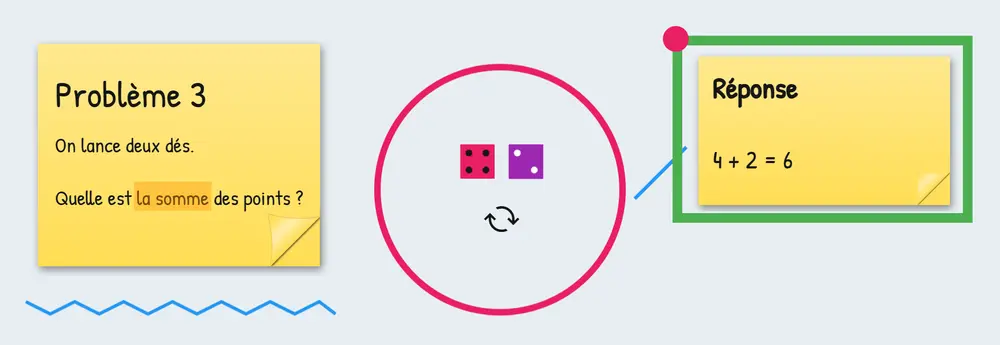 shape_lineDrawingCircle, underline and point right on the screen, over your other widgets.
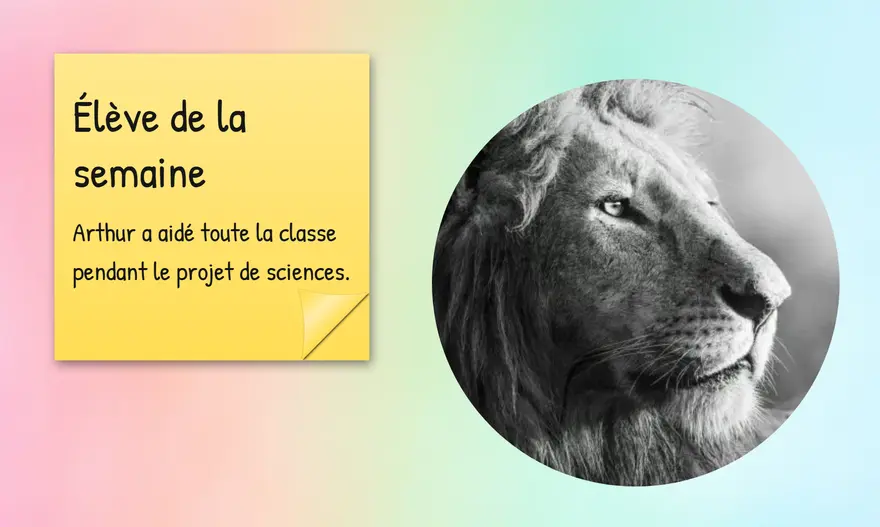 text_fieldsNotesA note on your board, formatted the way you want, and readable from the back of the room.
 imageImageA photo, a diagram or a visual instruction in the right spot on the board, in full view of the class.
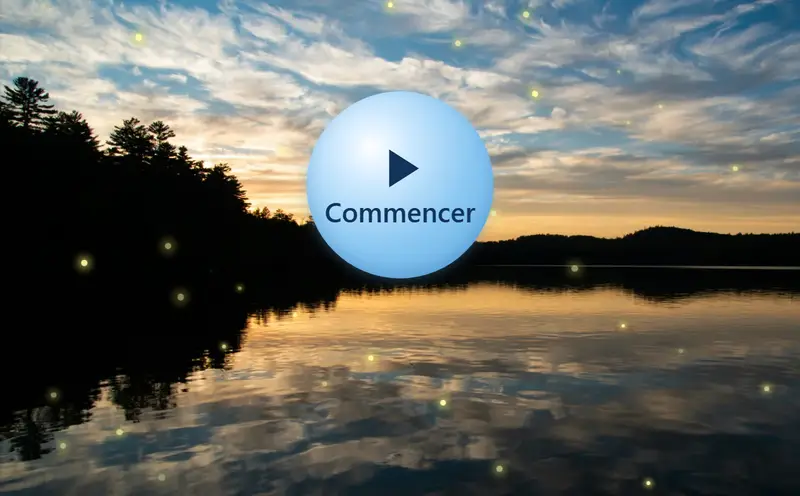
 animationAnimationBring the board to life: snow, fireflies or an animated emoji, in a frame or across the whole screen.
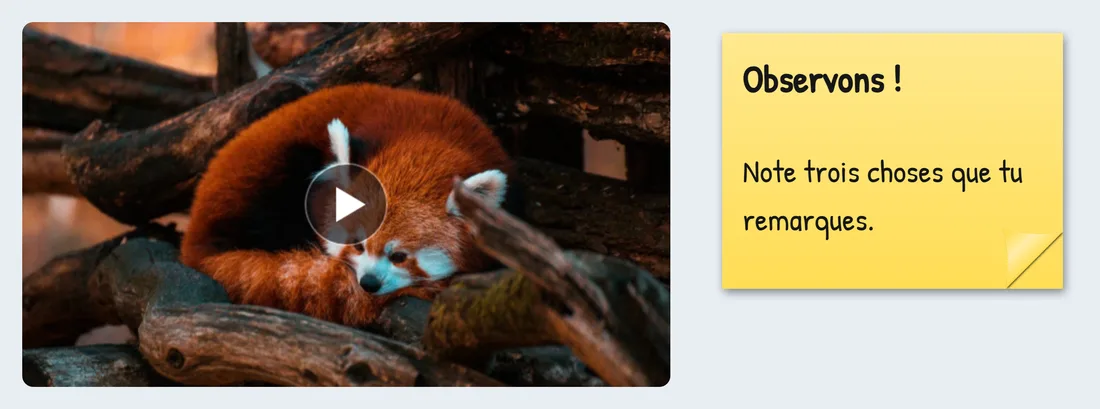 video_camera_frontVideoA YouTube or Vimeo video on your board, which the class watches without leaving the screen.
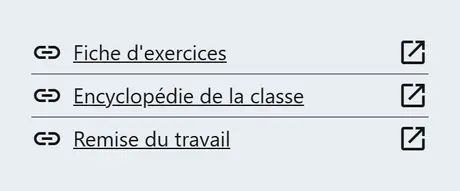 linkHyperlinkToday's sites one click away, on the board the whole class has in front of them.
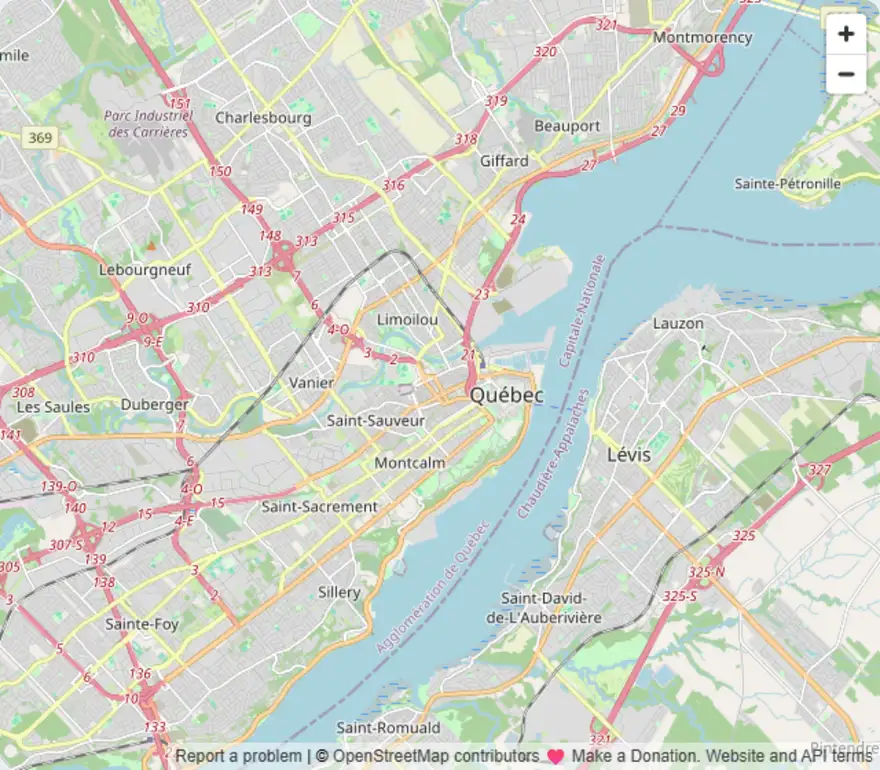 dataset_linkedEmbedA game, a web page or an interactive document, usable in class without leaving your board.
Classroom management
Students, their seats and teams, and a calm classroom.
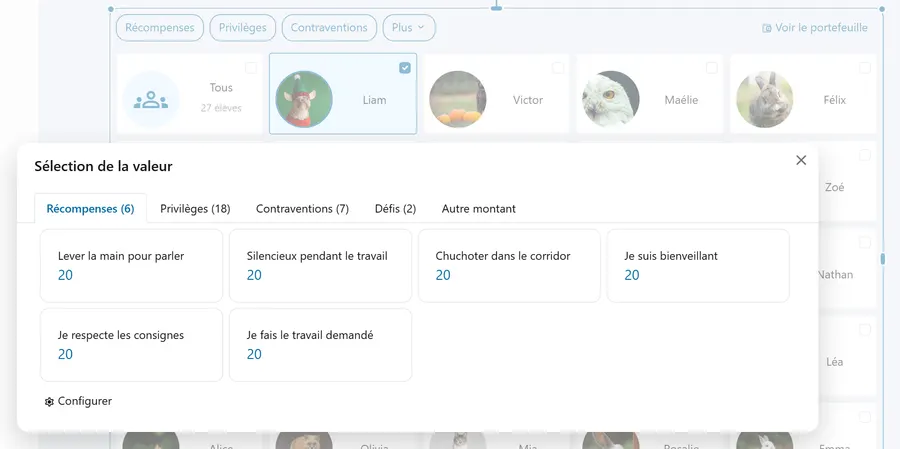 trophyEmulationReward your students from your board, without leaving your presentation.
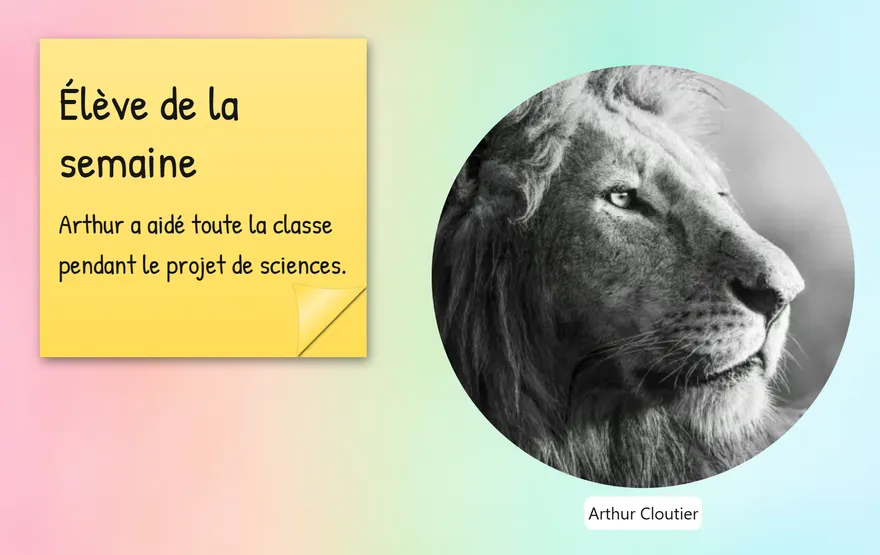 schoolStudentA student's photo and name, right where you need them on the screen.
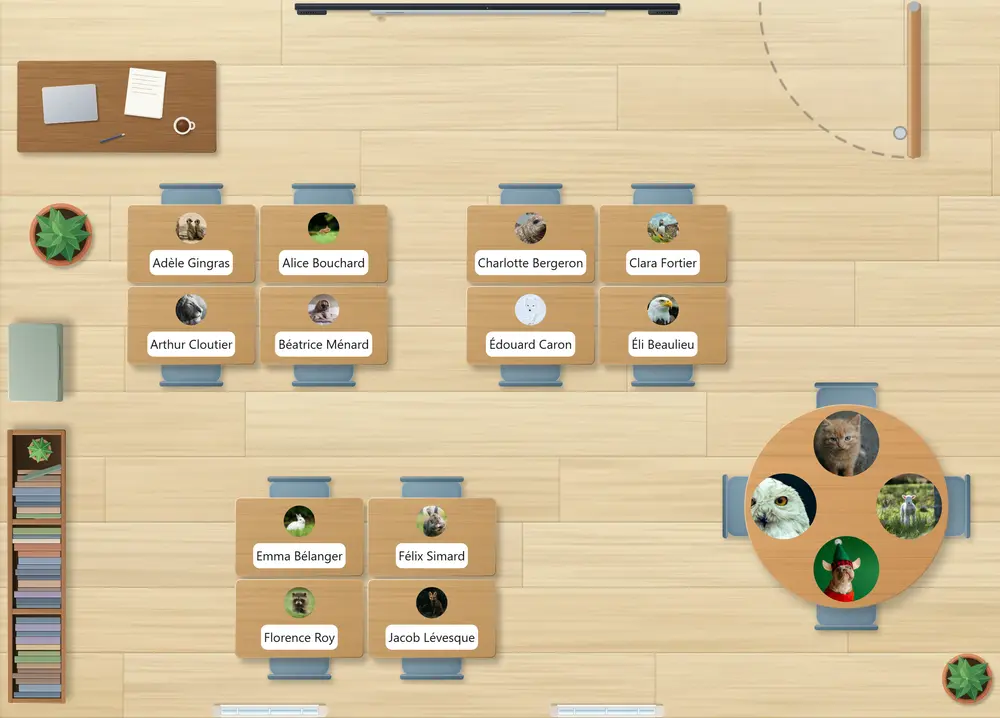 view_moduleSeating planYour class's seating plan created in one go, with each student's photo, then arranged like your classroom.
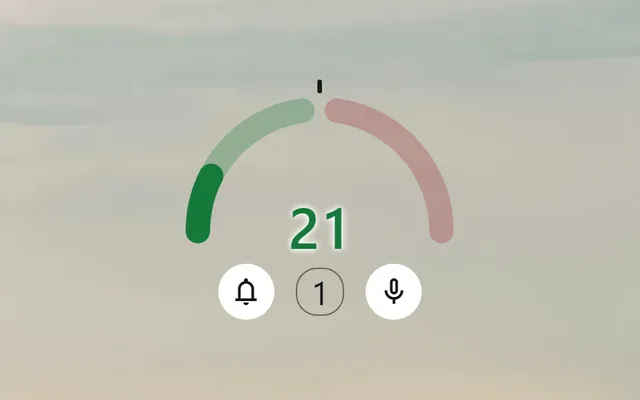 hearingSound levelSee how loud the class is at a glance, and bring it down without a word.
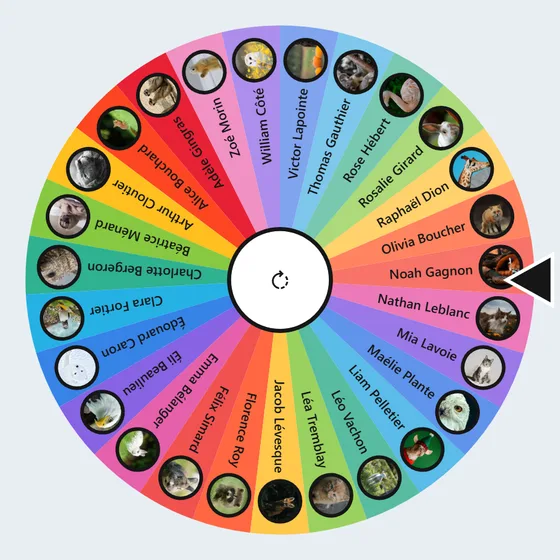 shuffleRandom drawThe wheel spins, a name comes up: the whole class stays alert.
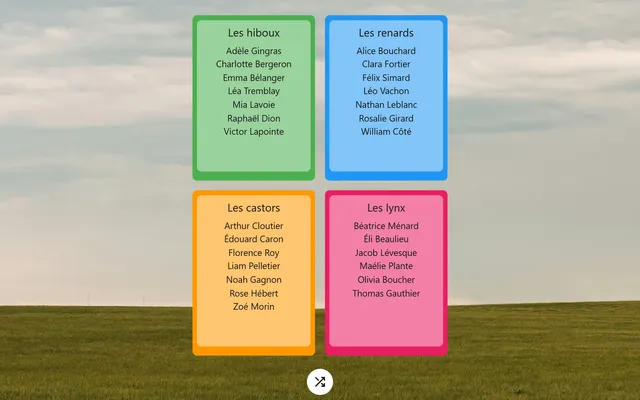 groupTeam makerBalanced teams, formed at random, in one click.
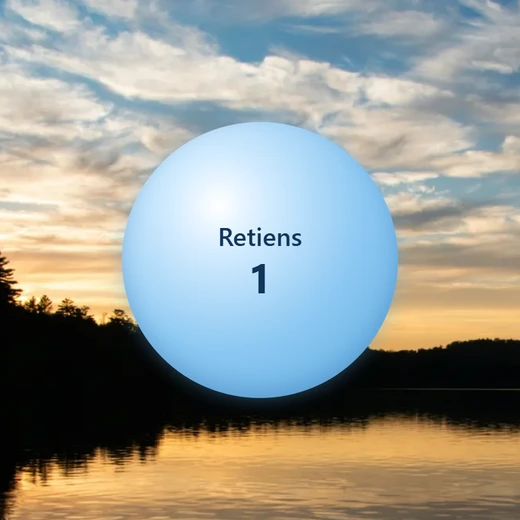 self_improvementGuided breathingA bubble swells, holds and deflates: you guide a return to calm, with the word that says what to do.
Time management
The time, upcoming dates and the time left.
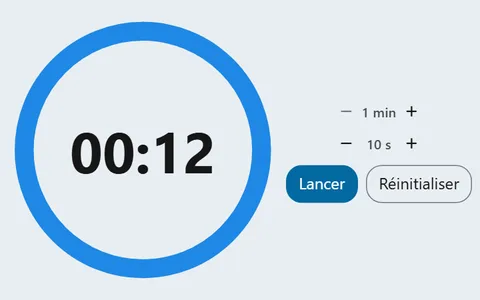 hourglass_topTimerA countdown the whole class can watch run down, and a signal that says when time is up.
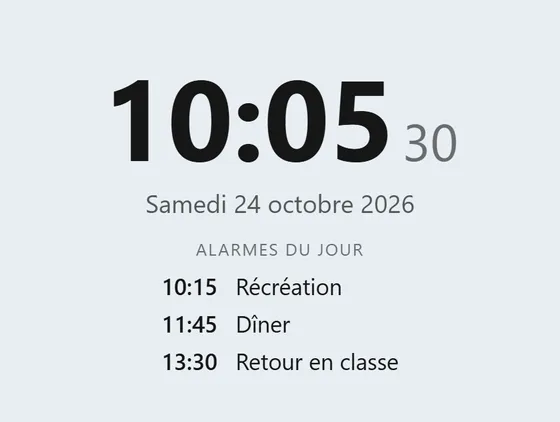 nest_clock_farsight_analogClockThe time and date always in front of the class, with alarms to mark the moments of the day.
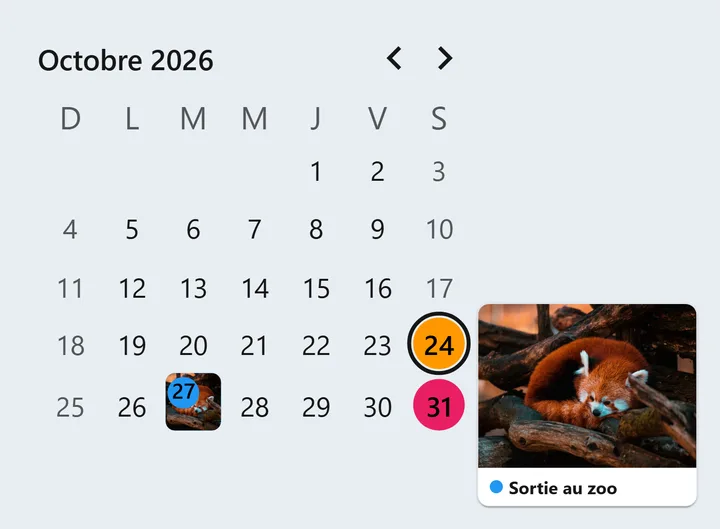 calendar_monthCalendarThe current month, with your class's important dates marked in colour.
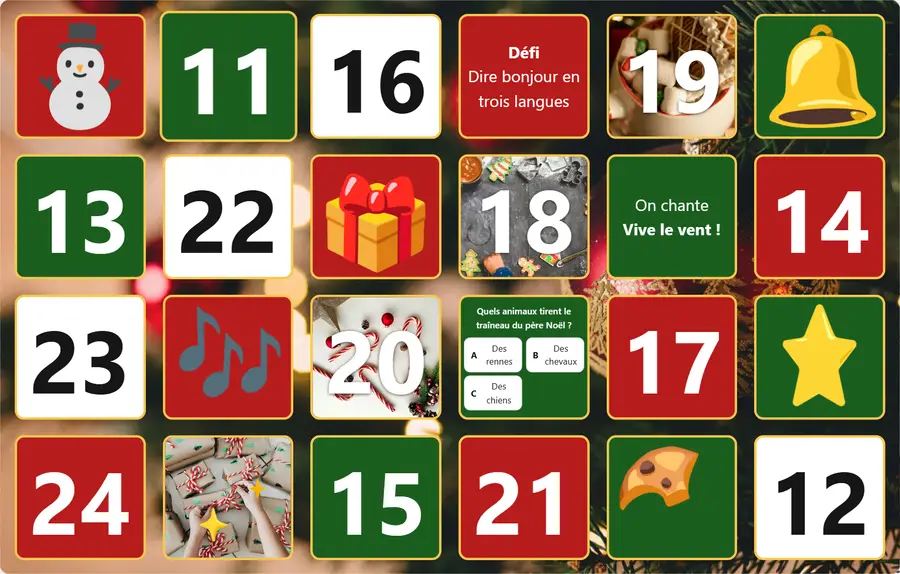 redeemBox calendarBoxes laid on a background, opened one by one: an Advent calendar, an Easter hunt or one of your own.
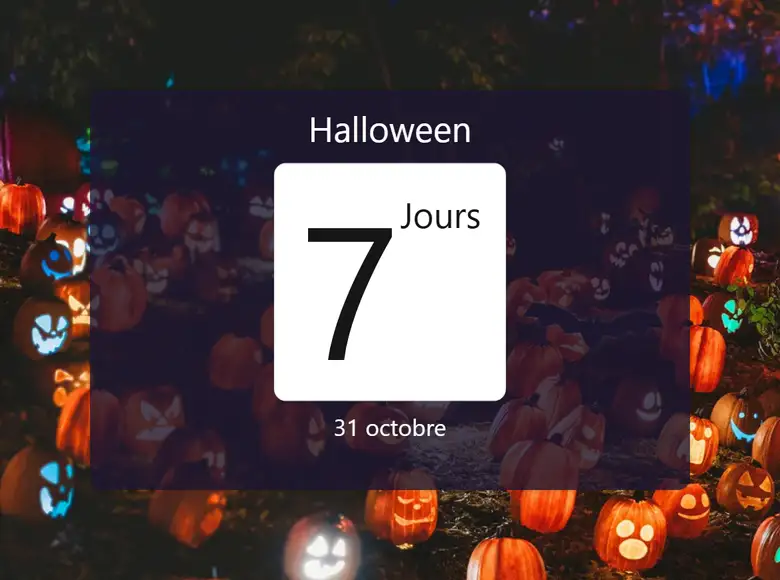 clock_loader_60CountdownThe days left before an event, and a surprise when the day comes.
Organization of work
Today's tasks, class votes and steps in pictures.
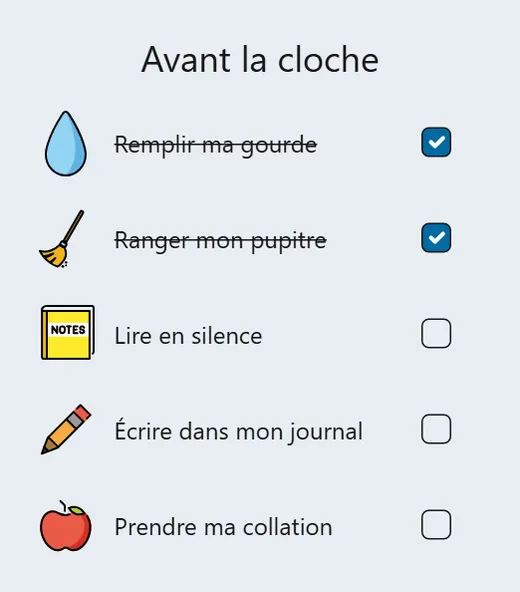 checklistTasksThe list of what is left to do, in front of the whole class, ticked off as you go.
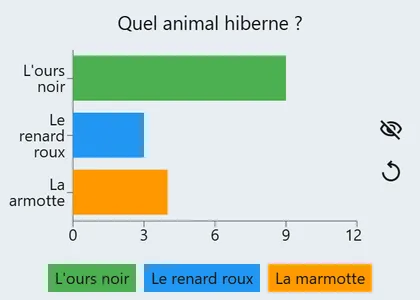 grouped_bar_chartPollAsk the class a question and show the votes on the board, as bars or as shares.
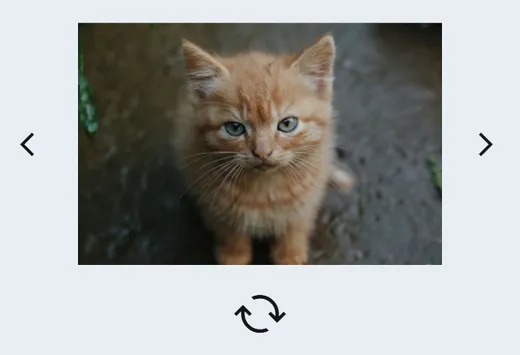 filterImage listFlip through a series of images on your board with a click, or let chance pick one, without leaving the screen.
Random
A die, a number, a name or a picture, drawn in front of the class.
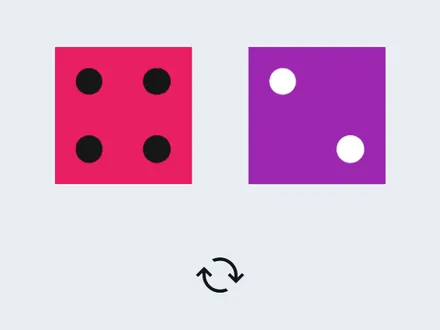 casinoDiceRoll one or more dice in front of the whole class, with none rolling under a desk.
 pinRandom numberA number comes out of the range you chose, and the whole class watches it appear.
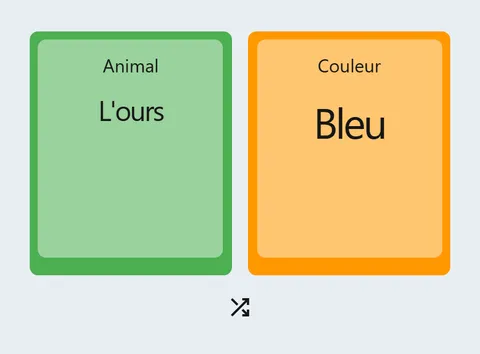 sort_by_alphaRandom wordA value comes out of your list: a topic, a role, a question, or several constraints at once.
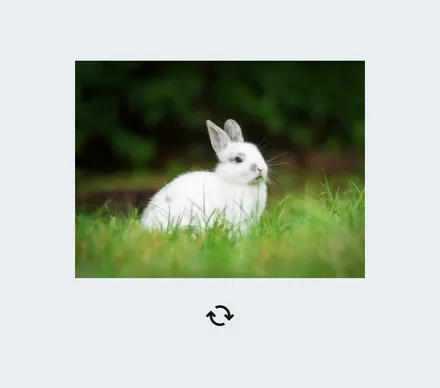 burst_modeRandom imageLet chance pick an image for the class: they scroll by, then stop on one.
Miscellaneous
Team points, the weather and what to wear outside.
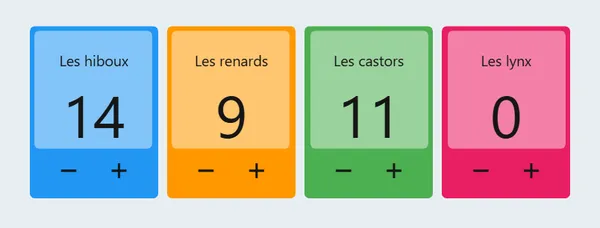 scoreboardScoreboardA score for each team, raised or lowered with a click, on the board the whole class sees.
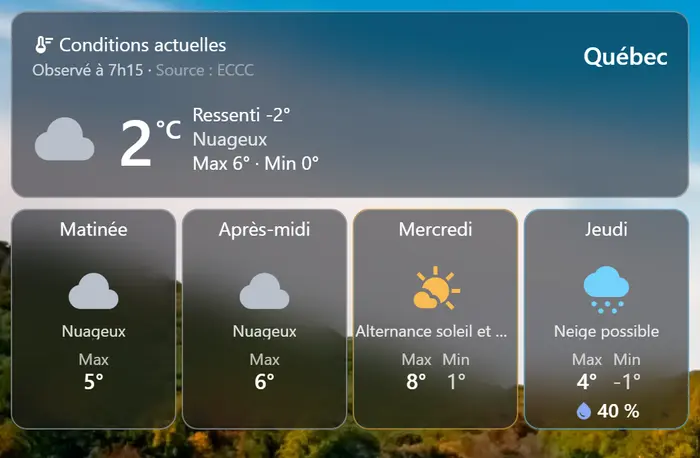 sunnyWeatherThe weather where you are, on the board: the temperature, the feels-like, the day in parts and the days ahead.
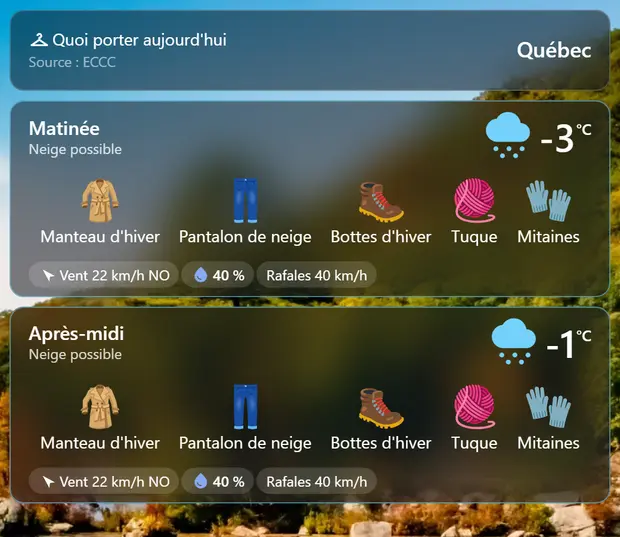 checkroomWhat to wearThe day's clothing, drawn from the weather: students see what to put on before going out for recess.