nest_clock_farsight_analog

Clock

The time and date always in front of the class, with alarms to mark the moments of the day.
In your classroom

The morning routine

You put the clock next to the weather and the morning routine instructions.

The class finds its place in the day without asking you the time.

Recess and end of period

You set an alarm with a sound for recess or the end of a period.

Students tidy up on their own, without you checking your watch.

During an assessment

You show the clock with its seconds.

Students pace their time without having to ask.

The day's schedule

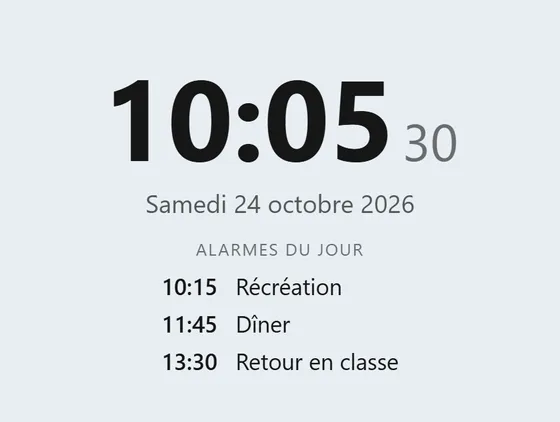
You turn on the list of today's alarms: recess, lunch, back to class.

Students know what is coming.

Your way

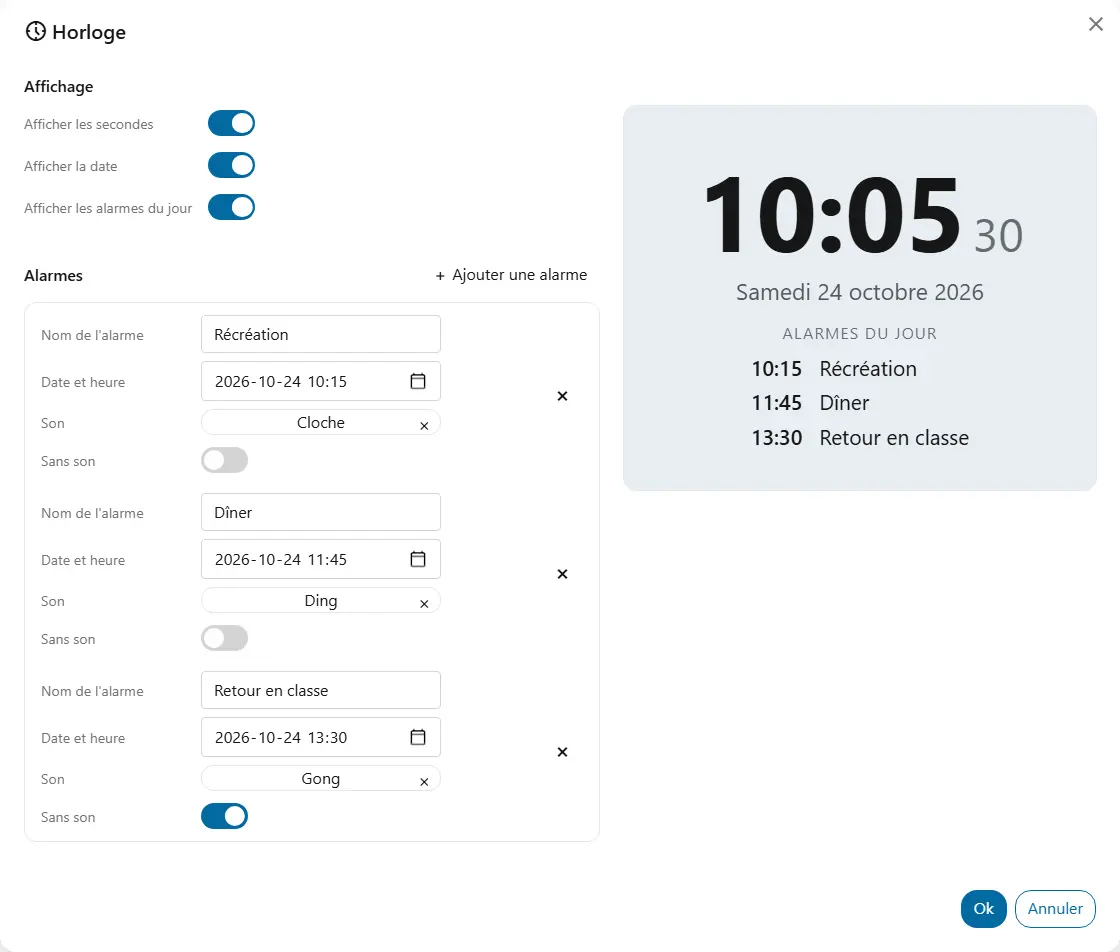
  • Show secondsThe seconds show with the time.
  • Show the dateToday's date shows with the time.
  • Show today's alarmsThe list of the day's alarms shows with the clock, like a schedule.
  • AlarmsEach alarm has a name, a date and a time, and a sound from your library or “No sound”. For example, “Recess” at 10:15.
  • BackgroundThe background colour shared by all widgets, under “Appearance”.

Good to know

  • The clock shows the device's time, in digits on a 24-hour clock.
  • An alarm rings once, at its minute, as long as the page stays open and the clock's screen has been shown since the page loaded.
  • An alarm without a sound is shown on the screen.
  • The list of today's alarms only shows those still to come.

Ready to try Cooperius?

Sign up free