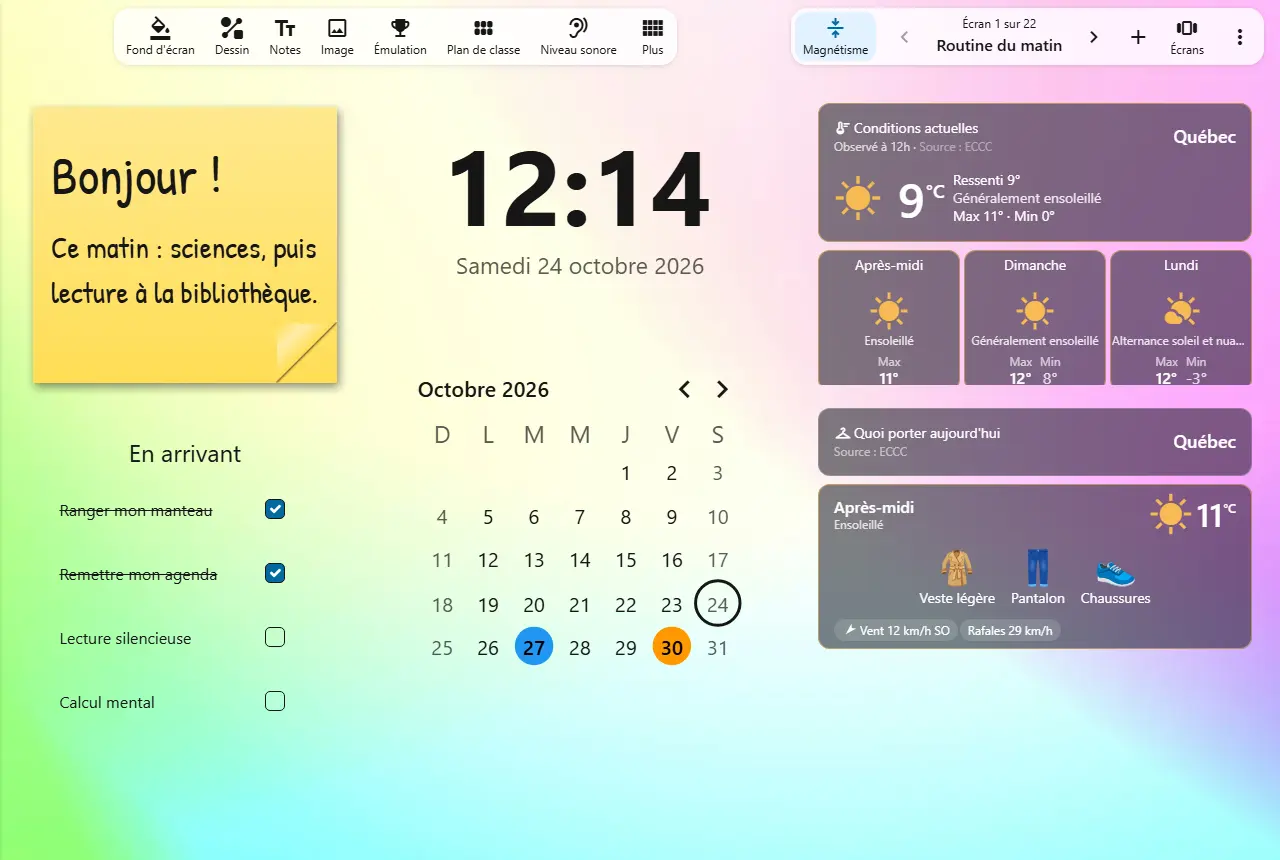
Opening a science lesson
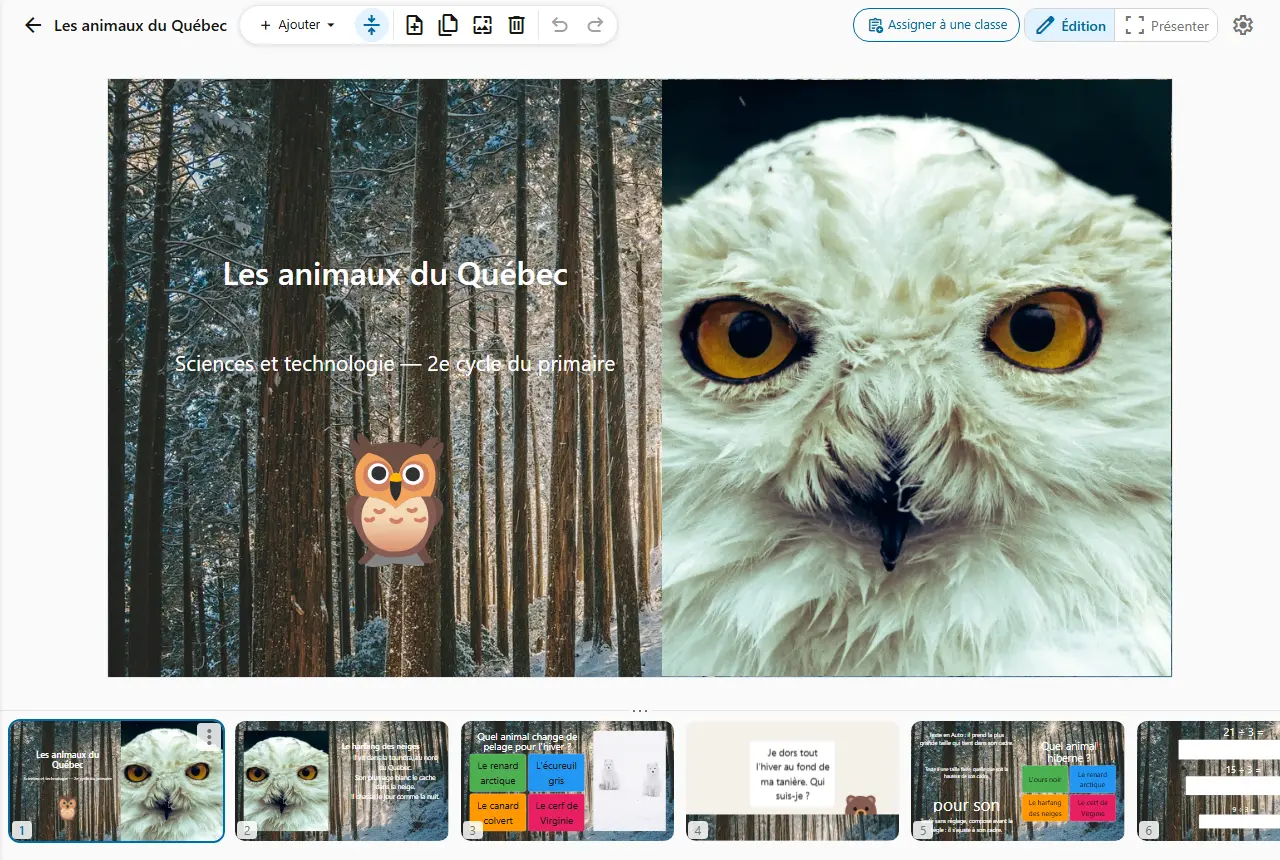
You project your slides on Québec wildlife: one photo, three facts, one question.
The class answers out loud, then you reveal the answer.
Build your lessons, quizzes, assessments and worksheets in one place, then present them in class in one click.
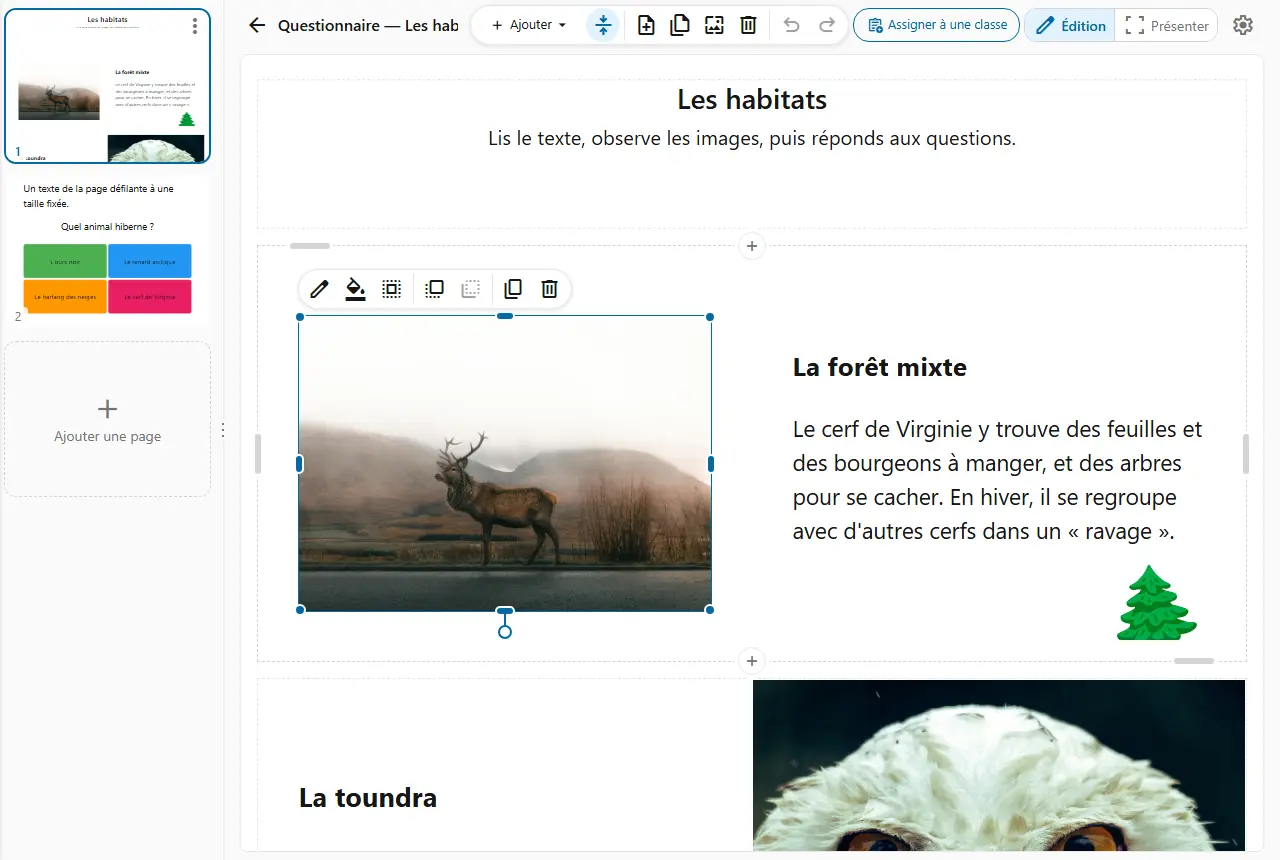
Pick the format of each document: 16:9 slides to project, or a scrolling page to read and answer. Changed your mind? The style changes without losing anything.
Drag each element wherever you want it, then stretch it by a corner or a side. On a slide or in a page section, nothing is locked into a template.

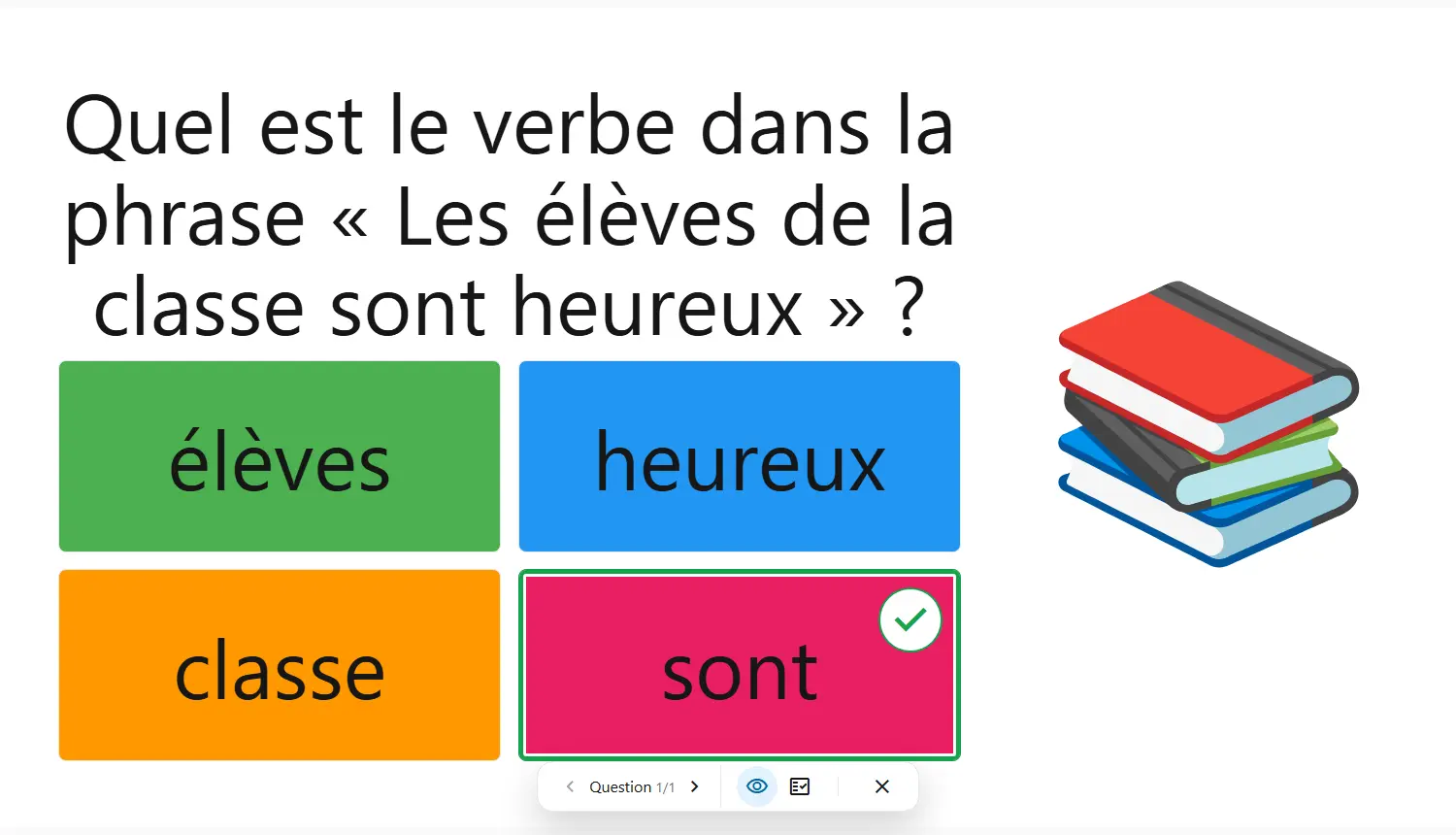
Single choice, multiple choice, true or false, short answer: each answer is checked against the one you set, and the points add up on their own. Only open answers wait for your reading.
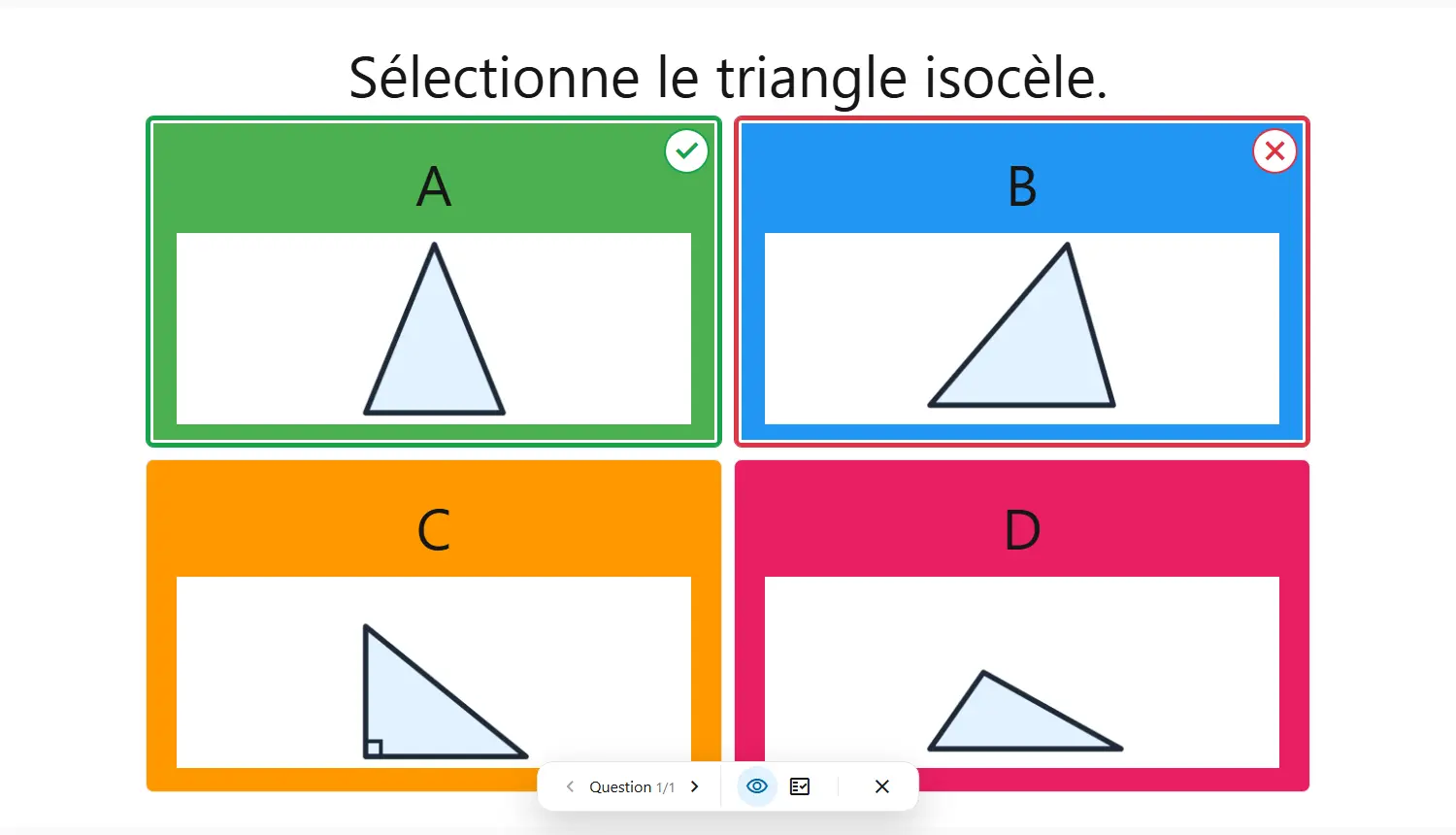
Switch to full-screen presentation: the class sees the document, you stay in control.
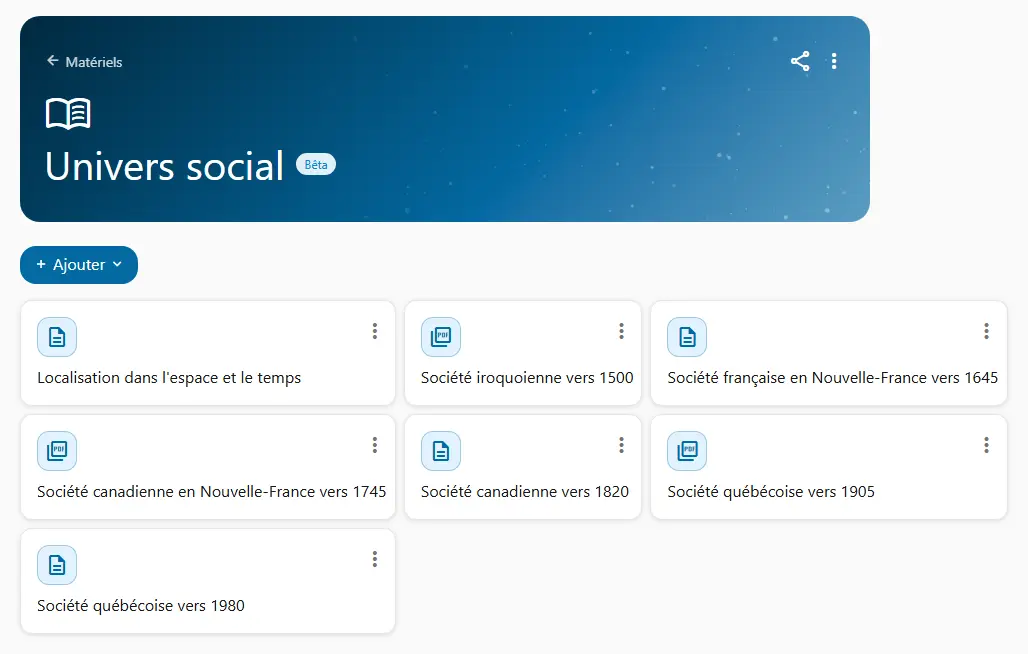
Keep PDFs, images, videos, sounds, animations and Cooperius documents together, and find them with a search.
How teachers use it on an ordinary school day.
You project your slides on Québec wildlife: one photo, three facts, one question.
The class answers out loud, then you reveal the answer.
You build a reading on habitats, followed by five questions.
The questions grade themselves: you only read the open-ended answers.
With the colleagues who teach your grades, you share a library of worksheets and documents.
Everyone draws on the others' work, year after year.
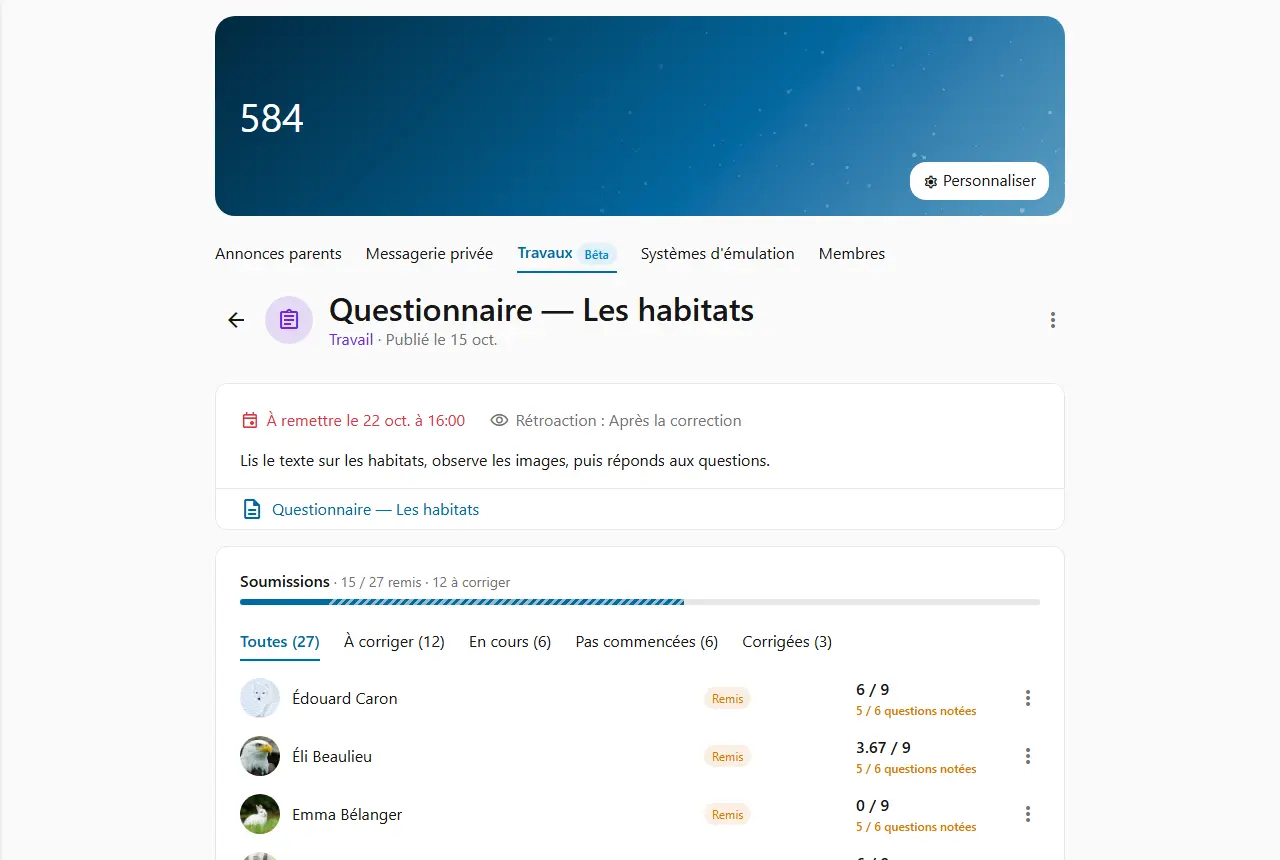
After the lesson, you hand out the quiz as an assignment, with a due date.
Your students practise at home, and the grading is already done.
Students only see what you post to their class.