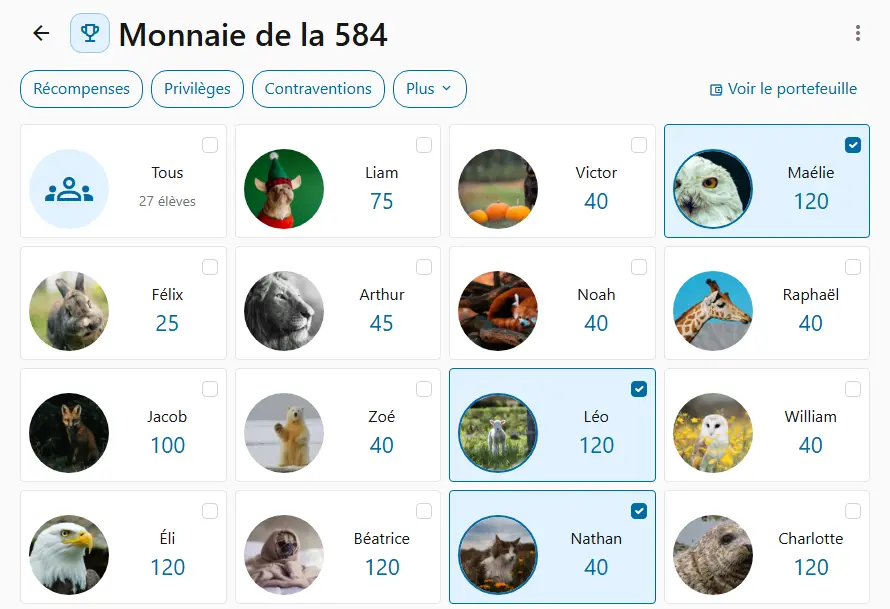
The morning routine
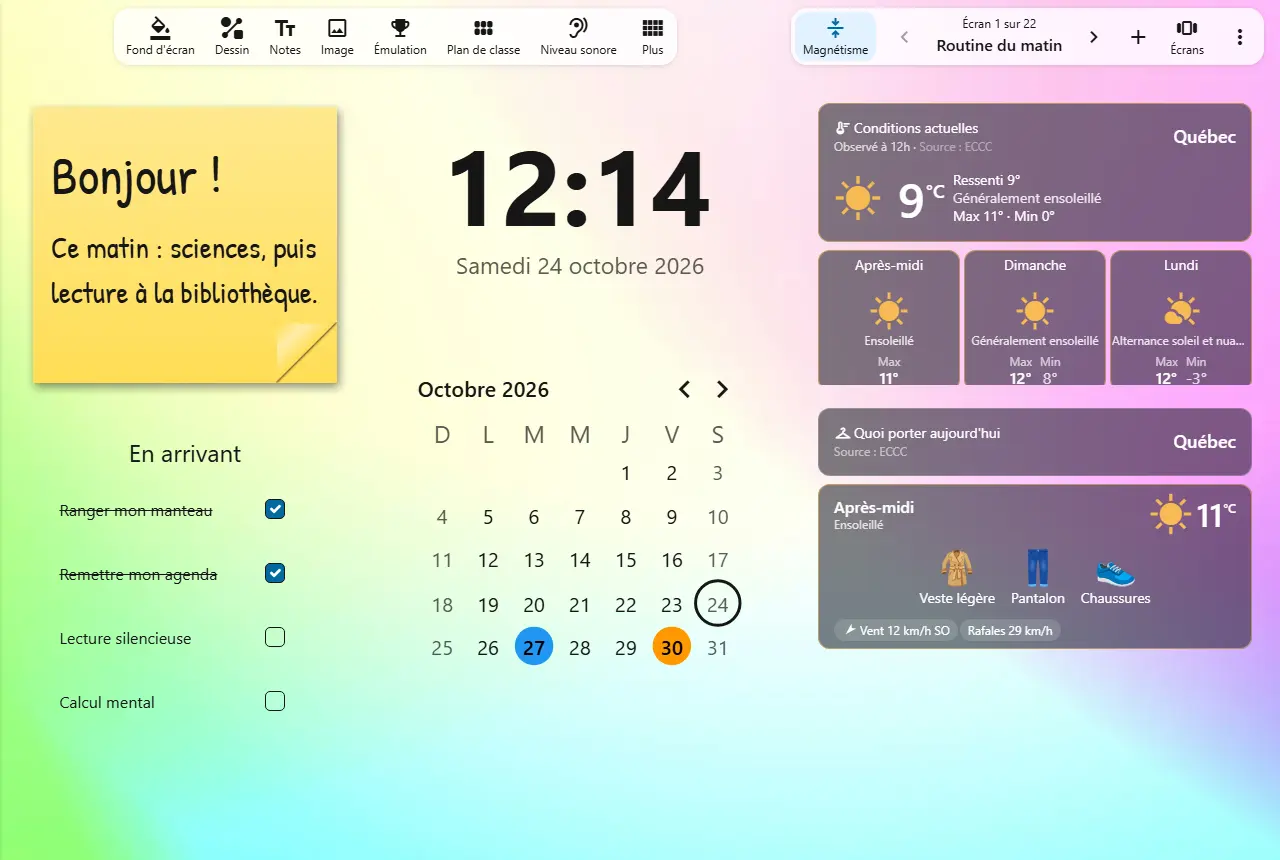
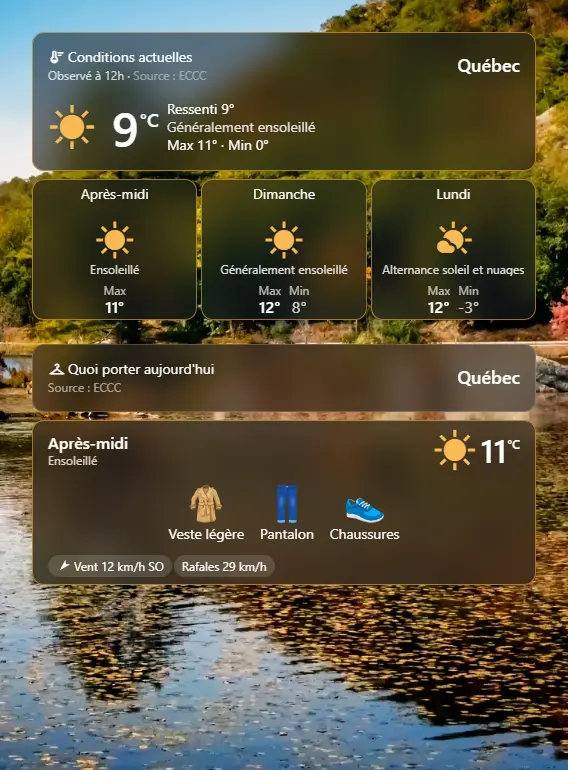
You open the morning screen: the clock, the weather, what to wear and the tasks to do on arrival.
Your students settle in on their own, without you repeating the instructions.
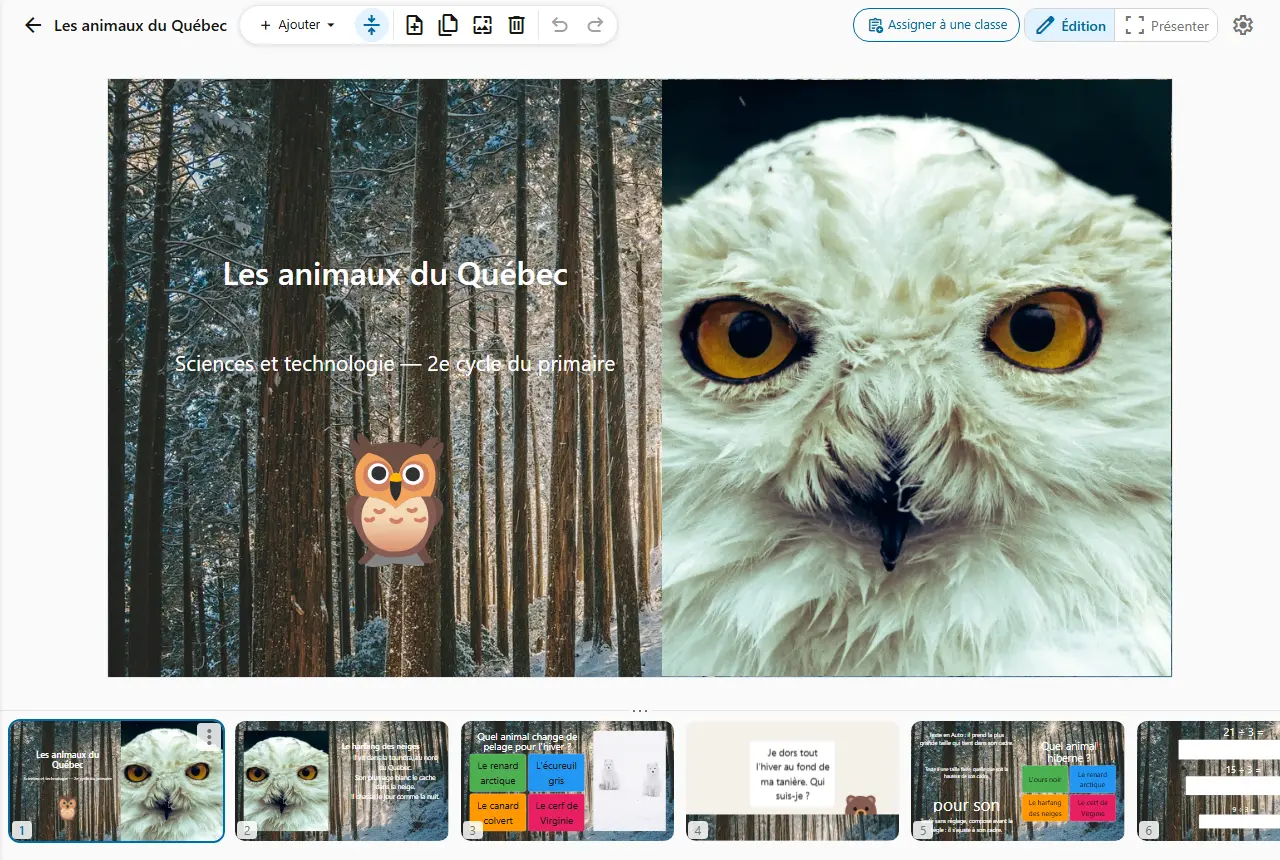
Build your class screen with 30 tools: the morning routine, team work, a quiet moment. Then project it.
A board gathers several screens: one for the morning routine, one for team work, one for quiet time. You move from one to the next in a single gesture.
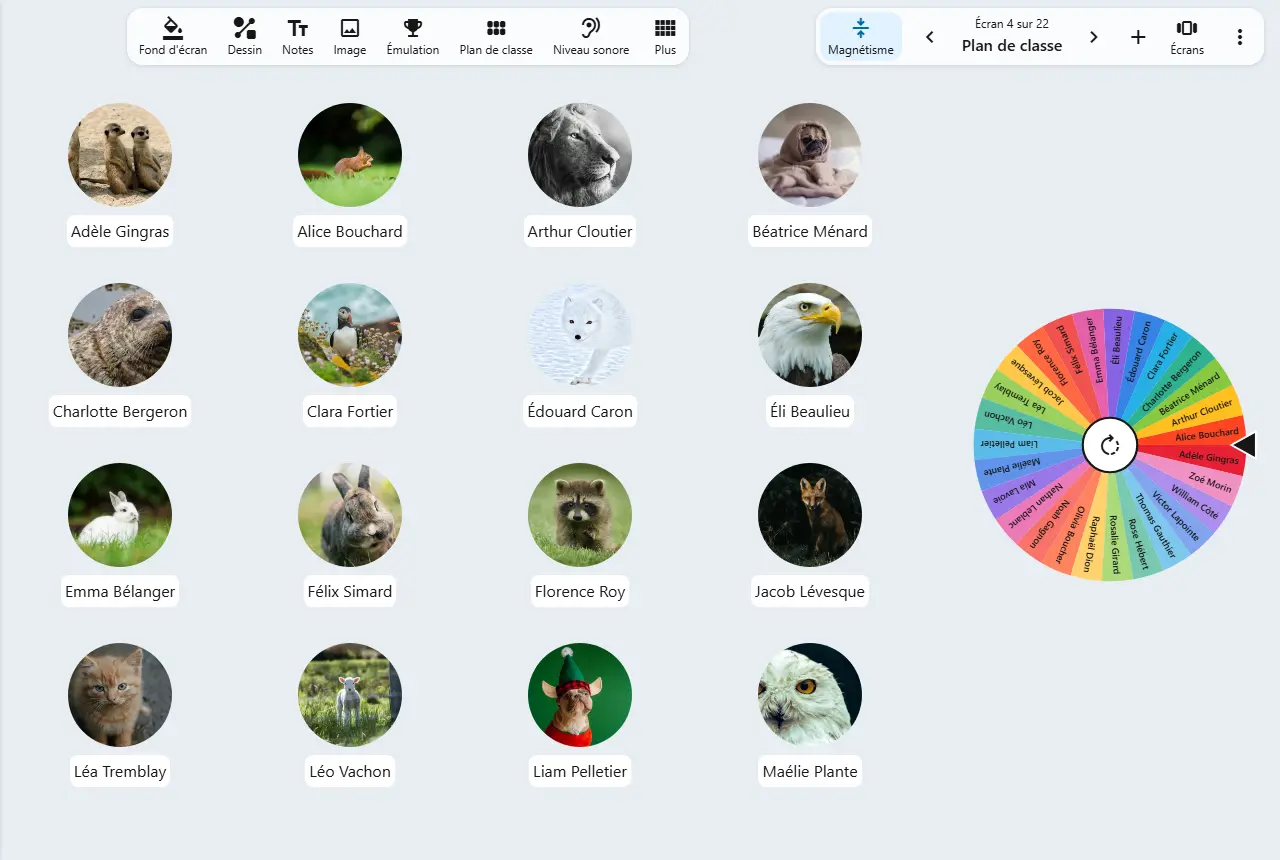
The seating plan is created in one go from your class space, with each student's photo. You then arrange it like your classroom.
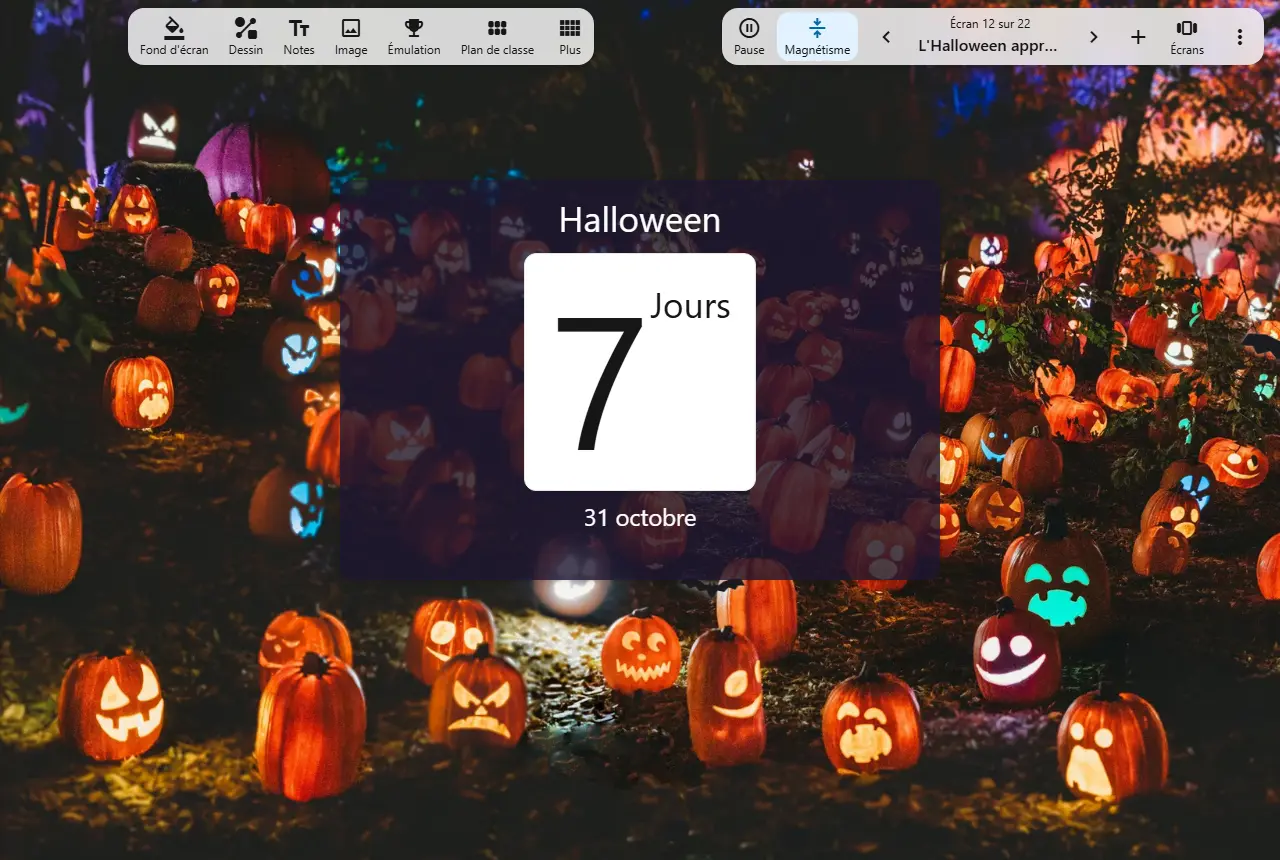
An Advent calendar to open each morning, snow falling, Santa crossing the screen, bats at Halloween: over 40 animated effects to mark the moments of the year.

The weather for your locality, published by Environment Canada, and what your students should wear to go outside.
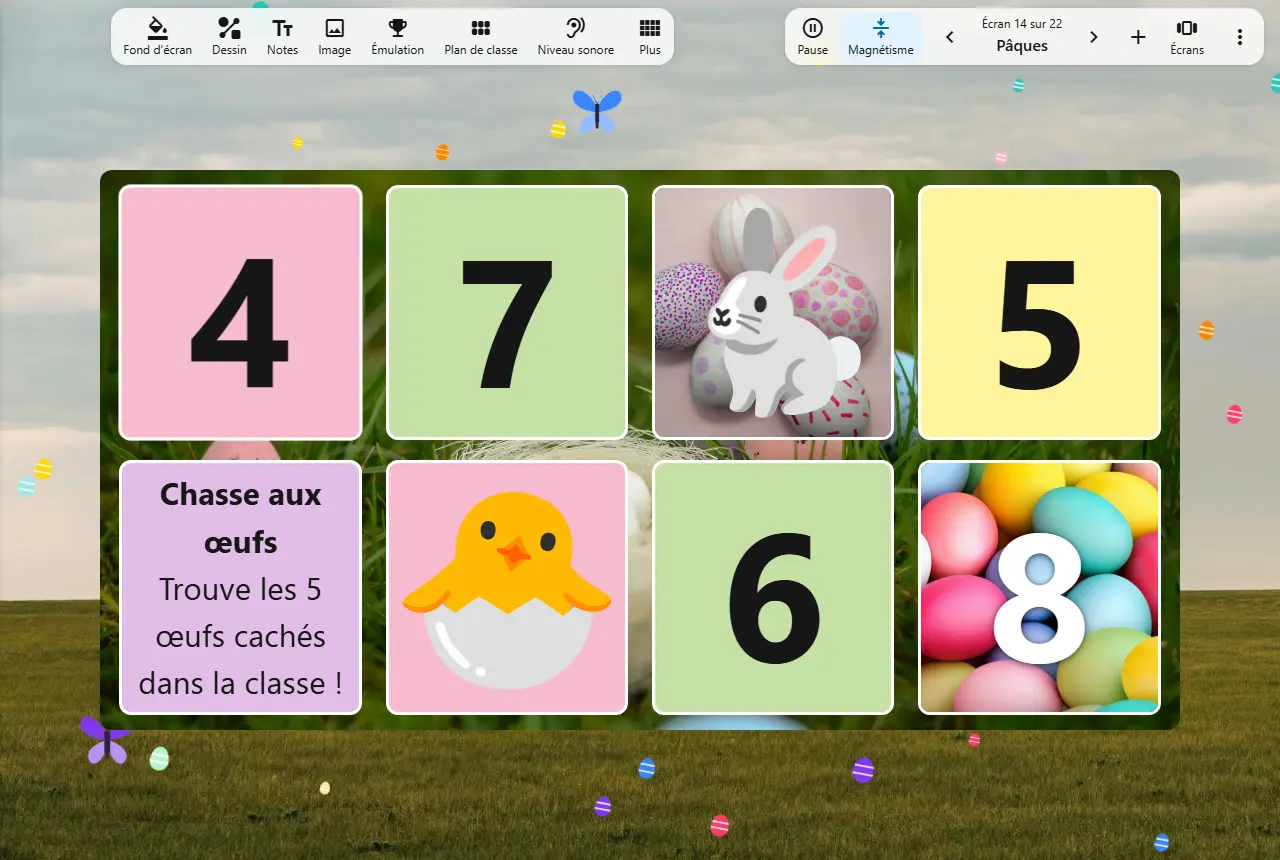
Full screen, the board fills the classroom screen, and the tools stay alive: the timer runs, the wheel picks a student, the boxes open.
How teachers use it on an ordinary school day.
You open the morning screen: the clock, the weather, what to wear and the tasks to do on arrival.
Your students settle in on their own, without you repeating the instructions.
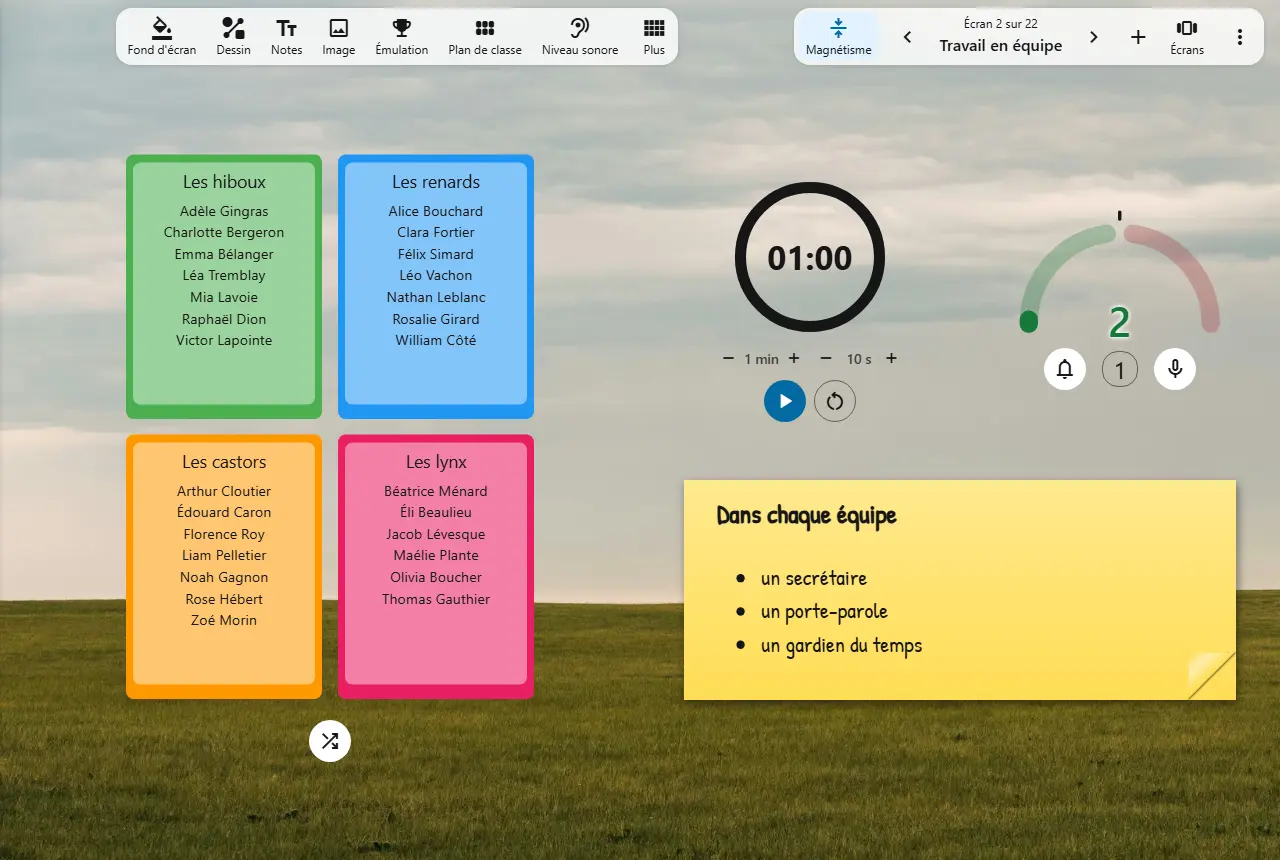
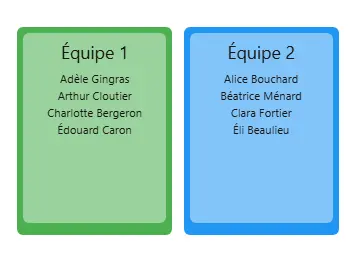
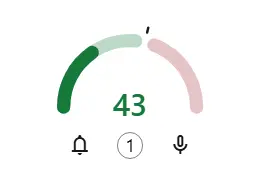
You form teams at random, start the timer and keep an eye on the sound level.
Teams form in seconds, and the noise settles without a word.
You spin the name wheel, or roll the dice to pick the question.
Anyone can be called on: the whole class stays attentive.
Two teams compete: you keep score on the board, up to the goal you set.
A review that feels like a game.
You ask a question as a poll, and the class's votes show up as a chart.
You see at a glance what the class remembered.
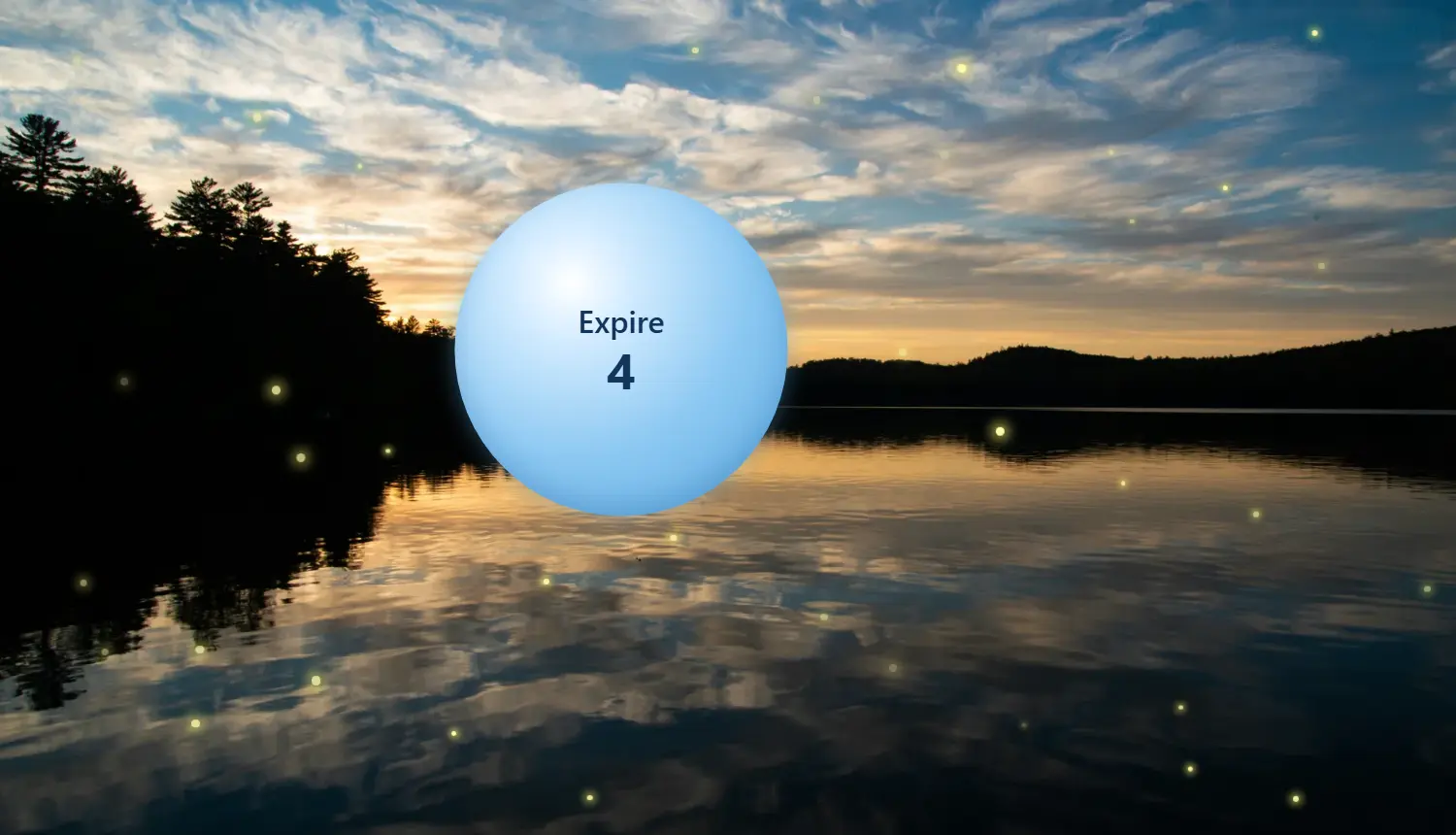
After recess, you start the guided breathing under a sky of fireflies.
The class settles down in a few breaths.
Your students see the projected board and take part, without needing an account.