A story, step by step
You tell the story of a trip, an experiment or a method step by step, moving on at the class's pace.
Students follow the story in order, without losing the thread.
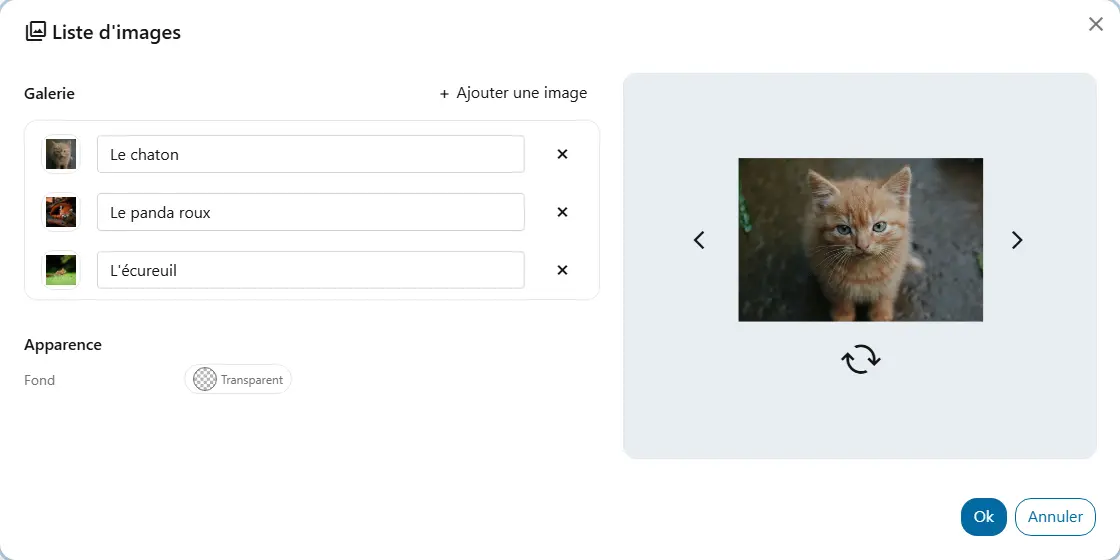
Flip through a series of images on your board with a click, or let chance pick one, without leaving the screen.
You tell the story of a trip, an experiment or a method step by step, moving on at the class's pace.
checkStudents follow the story in order, without losing the thread.
You gather cards, artworks or characters and draw one at random to start a discussion.
checkStudents describe what they see, even those who are not yet comfortable talking about themselves.
You leave the alphabet, the emotions or the steps of a routine on the screen.
checkStudents check it on their own while they work, without interrupting you.