
text_fields

Notes

A note on your board, formatted the way you want, and readable from the back of the room.
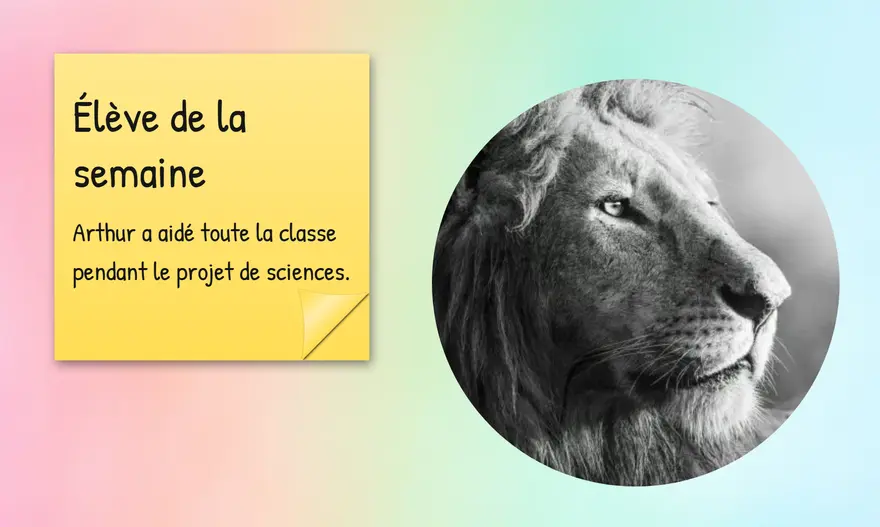
In your classroom

Today's instructions, big

You write the instructions and turn on “Fit to widget size”.

Students read them without moving and know what to do.

A note for your substitute

You leave the welcome, the schedule and the routines to follow on the board.

The class runs as usual.

Coloured sticky notes

You place one sticky note per role or per step, each in its own colour.

Everyone spots their task.

A model within sight

You keep a rule or a sentence starter next to the writing work.

They keep the reference without interrupting their work.
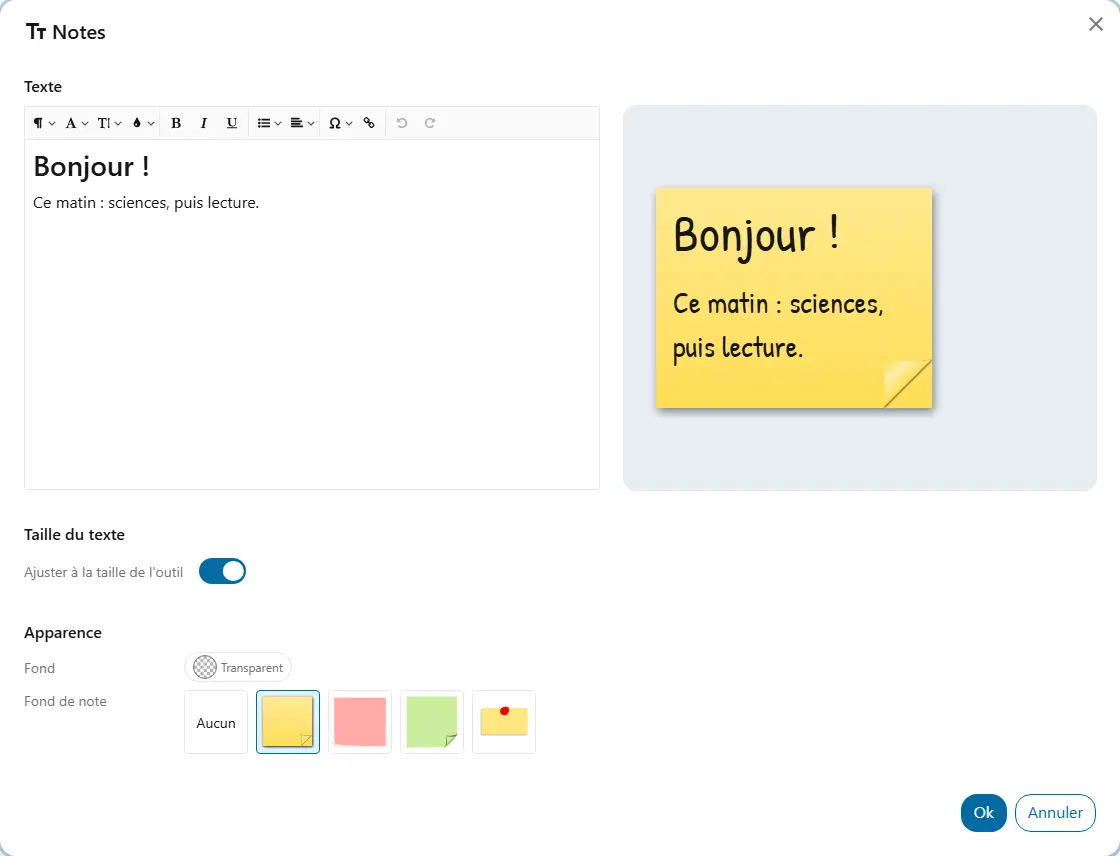
Your way

  • TextFont, size, colour, headings, bold, italic, lists and alignment. The preview follows your typing.
  • Fit to widget sizeThe text takes the largest size that fits in the widget.
  • Note backgroundNo background, one of three sticky notes in different colours, or a pinned note. Under “Appearance”.
  • BackgroundThe background colour shared by all widgets, under “Appearance”.

Good to know

  • “Fit to widget size” makes the text as large as it can be, and follows the widget when you resize it, in presentation too.
  • A text with nothing visible is flagged in the settings.
  • A link in the note opens in a new tab: your board stays open behind it.

Ready to try Cooperius?

Sign up free