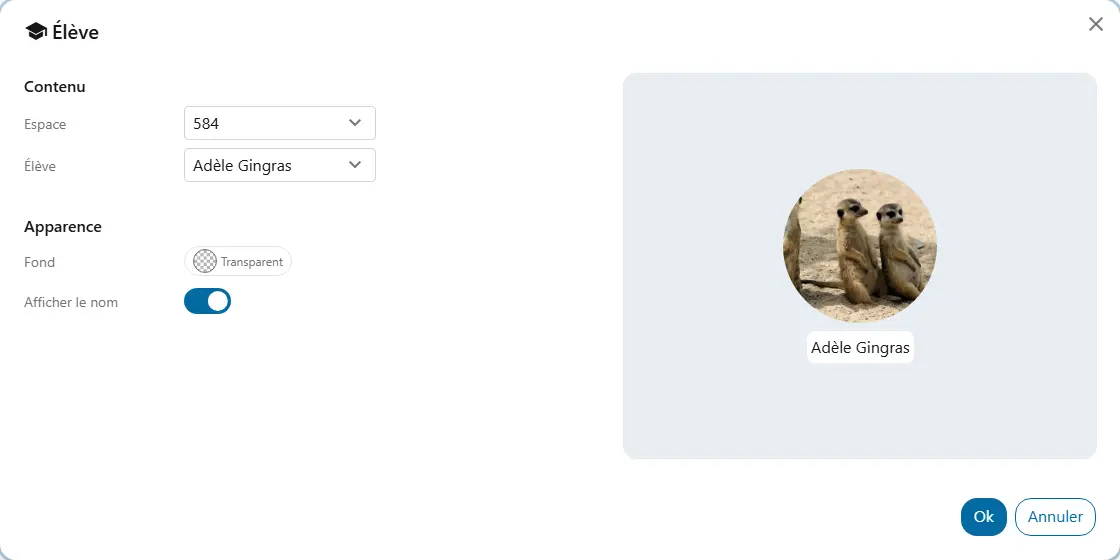
Student of the week
You enlarge the Student widget of the student in the spotlight and add a note saying why.
The student is recognized in front of the whole class.
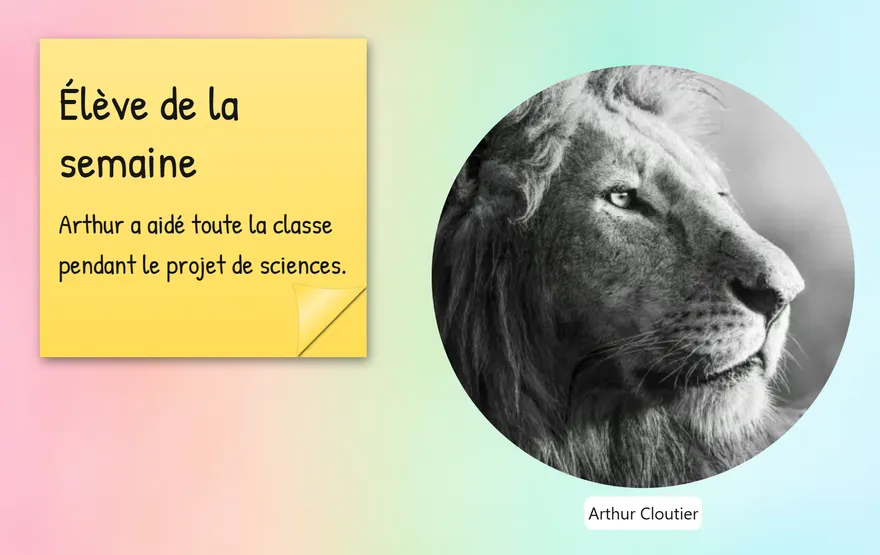
You enlarge the Student widget of the student in the spotlight and add a note saying why.
checkThe student is recognized in front of the whole class.
You place each student's photo next to their task: handing out sheets, putting away supplies.
checkEveryone spots their task without having to ask.
You add the Student widget of a newcomer who joined the class after you created your seating plan.
checkThey have their place like everyone else.