The mood of the season
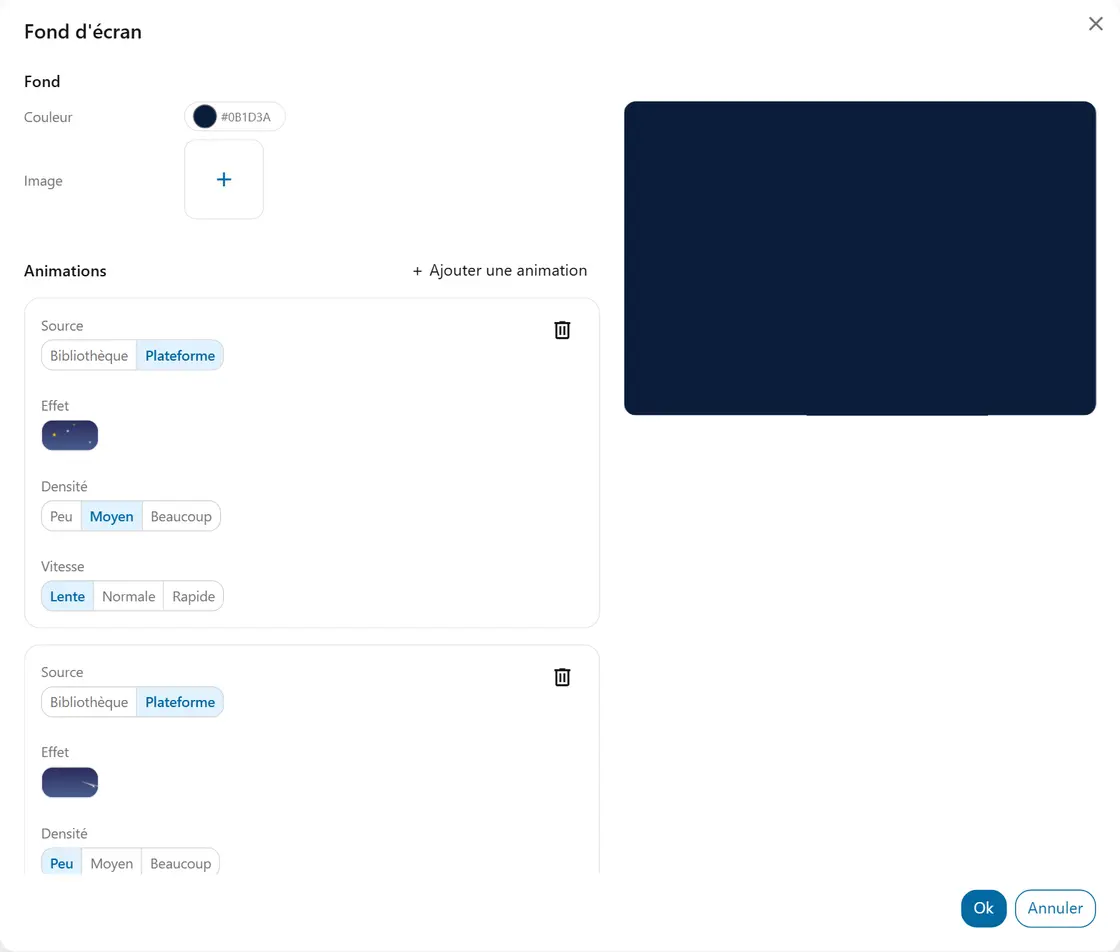
You select a Halloween, Christmas or Easter background, and an animation that plays softly behind your widgets.
Students feel the time of year as they walk in, without you saying a word.
A colour or a photo for every screen, and animations that play softly behind your widgets.

You select a Halloween, Christmas or Easter background, and an animation that plays softly behind your widgets.
checkStudents feel the time of year as they walk in, without you saying a word.
You pick a few fireflies at the Slow speed.
checkThey get the signal that the activity is changing, with no instruction repeated.
You put a photo of the subject behind the instructions: a landscape, an animal, an era.
checkThey have a visual hook before the first sentence.
You keep a solid colour, with no animation.
checkThey read the instructions without distraction.