A little appointment every day
You set twenty-four boxes on a Christmas background, or a kind act per day, and open the next one when you decide.
Each opening is a little appointment, and the board shows the road travelled.
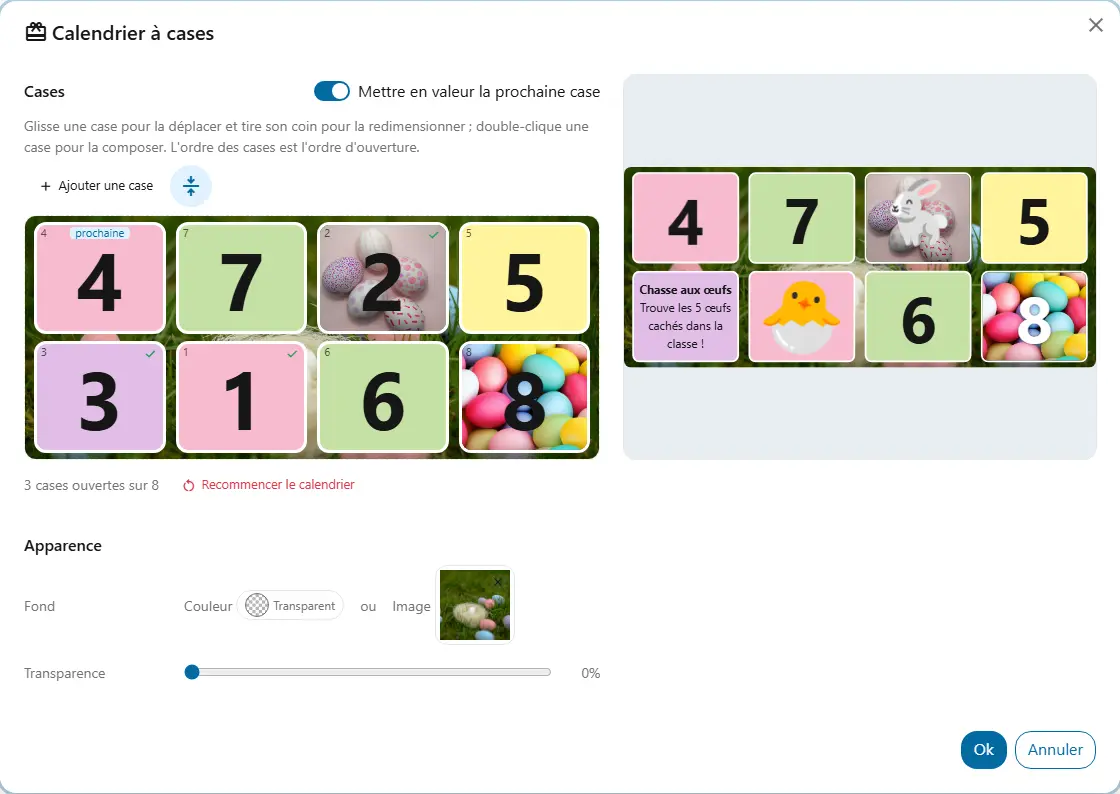
Boxes laid on a background, opened one by one: an Advent calendar, an Easter hunt or one of your own.
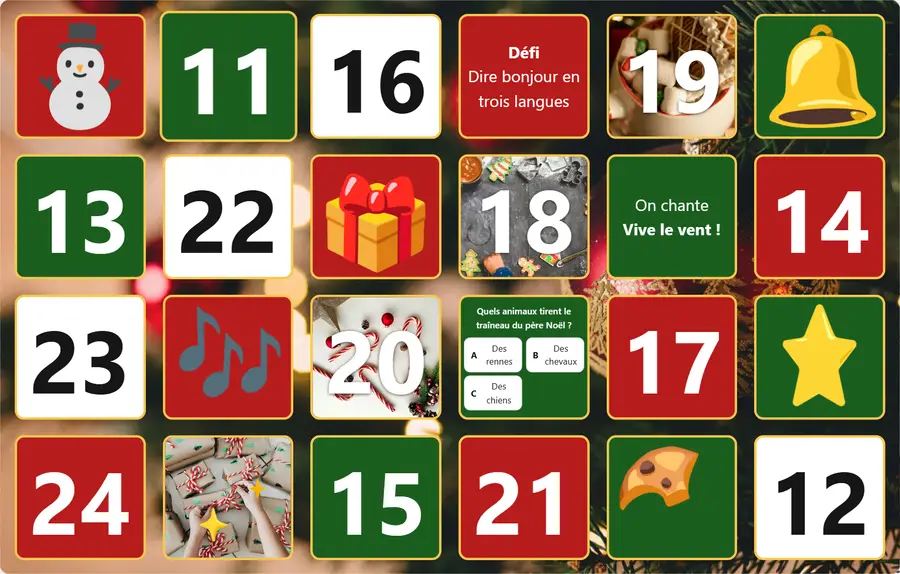
You set twenty-four boxes on a Christmas background, or a kind act per day, and open the next one when you decide.
checkEach opening is a little appointment, and the board shows the road travelled.
You hide a clue in each box, on a lawn background, and finish with a flip card: the mystery word.
checkThe class searches together and waits eagerly for the next clue.
You put a multiple-choice question in each box. The class answers, then you reveal the right answer.
checkStudents review by playing, one question at a time.
You open a box at each step of the project: the instructions, a link, a video.
checkStudents know where they stand and what is left to do.