
hearing

Sound level

See how loud the class is at a glance, and bring it down without a word.
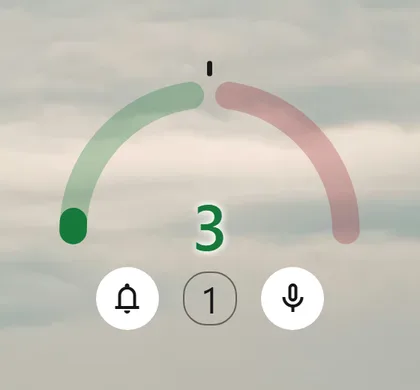
In your classroom

Silent study

You set a low threshold and project the gauge.

Even a little fidgeting shows, and everyone keeps quiet without a reminder.

A reminder without a word

You pick a sound from your library: it plays when the noise passes the threshold.

The reminder comes from the gauge, not from you: no one is singled out.

A lively activity

During a game or an activity with music, you raise the threshold.

The class can liven up, and the gauge only turns red if the noise really gets out of hand.

The class challenge

You announce: “We stay in the green until recess.” The alert counter keeps score.

Students take responsibility: calm becomes their business.
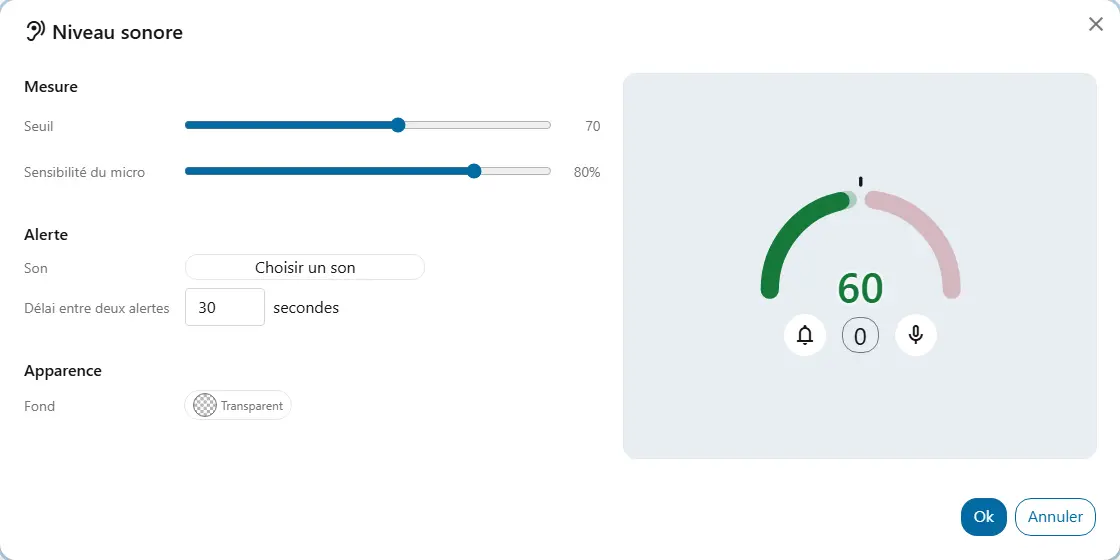
Your way

  • ThresholdThe level above which the class is too loud, from 0 to 120. The gauge is green up to the threshold and red beyond it.
  • Microphone sensitivityFrom 0 to 100%. Lower it if the microphone picks up too much: the gauge, the number and the alert follow.
  • AlertWhen the level passes the threshold, the widget counts an alert and, if you chose one, plays a sound. The minimum time between two alerts is adjustable from 1 to 1,000 seconds. The counter shows on the widget.

Good to know

  • The browser asks for permission to use the microphone. Until it is granted, the widget does not listen.
  • Nothing is recorded or sent: the sound is analyzed on the device, as it goes.
  • The microphone stops as soon as listening stops: listening turned off, widget deleted, screen left or page closed.
  • The number is a relative measure, from 0 to 140: it is for comparing the class with itself.

Ready to try Cooperius?

Sign up free