The class's choice
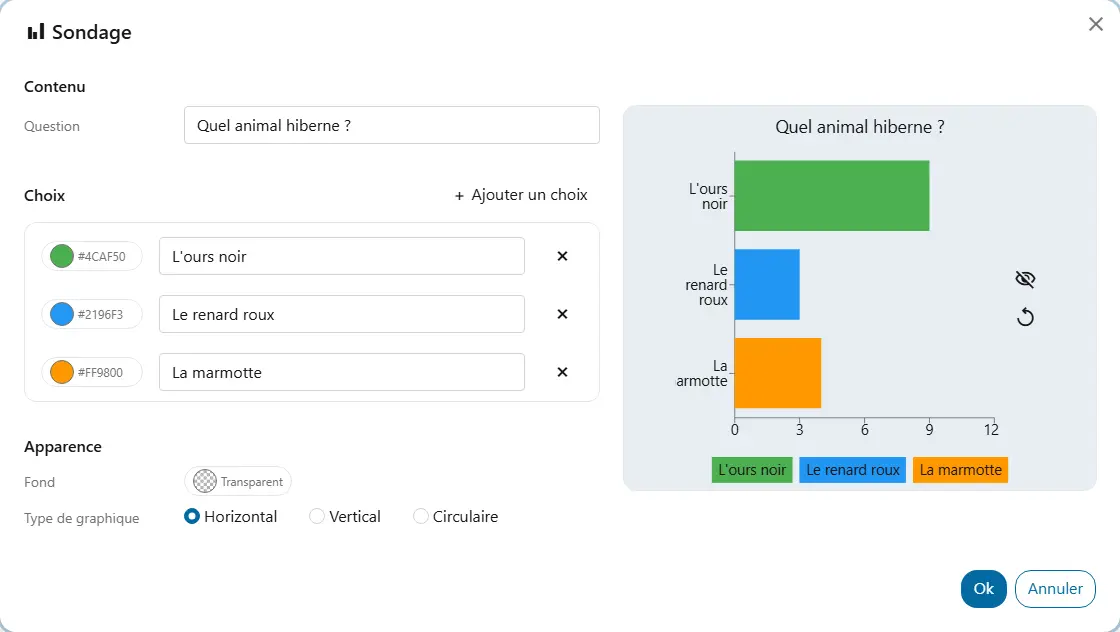
You ask the class to choose the day's game or the book to keep reading, and count raised hands with one click per vote.
The majority's choice shows right away, and everyone sees it.
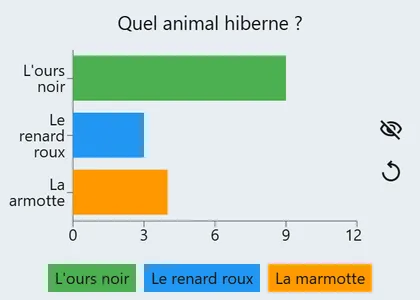
Ask the class a question and show the votes on the board, as bars or as shares.
You ask the class to choose the day's game or the book to keep reading, and count raised hands with one click per vote.
checkThe majority's choice shows right away, and everyone sees it.
You hide the result while the class votes, then reveal it.
checkNo one is swayed by the other votes, and the surprise holds their attention.
At the end of a lesson, you poll the class on a notion.
checkYou know whether to go back over it before moving on.
You leave the poll screen open for a while: students come up to vote at the end of a task or during a routine.
checkEveryone gives their opinion in turn, without raising their hand in front of the others.